Learn Coding Visually
Learn to code with interactive, live-preview playgrounds — HTML, CSS, JavaScript, React & more.
 HTML Playground42 lessons · Click-based · Live preview
 CSS PlaygroundLearn CSS with a live editor
 JavaScript Playground60 lessons · DOM · Async · Canvas
 React PlaygroundLearn React with a live code editor
 GSAP PlaygroundLearn GSAP animation interactively
 SVG Playground44 lessons · shapes · paths · animation
 SCSS Playground45 lessons · Sass modules · tokens
 Tailwind PlaygroundLearn Tailwind CSS with a live editor
 Bootstrap 5 Playground50 lessons · live preview
Dragula Copy vs Move Lists — Free JS Snippet
Dragula Copy vs Move Lists with Spill Control · Dashboards · Plain HTML, CSS & JS · Live preview
What's included
Features
About this UI Snippet
Dragula Copy vs Move Lists — HTML, CSS & JavaScript
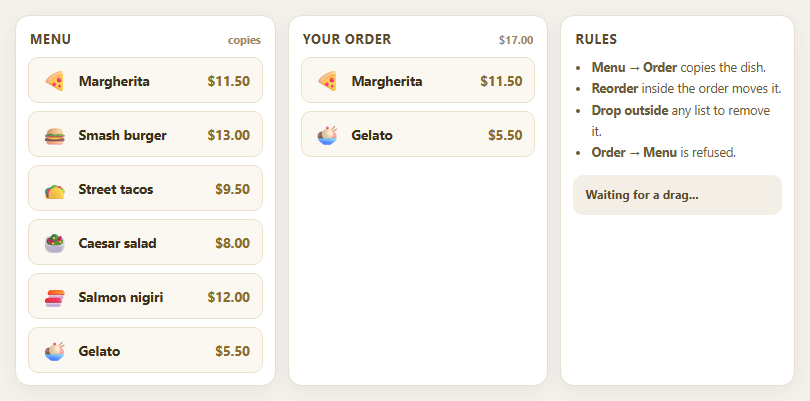
Dragula is one of the older names in JavaScript drag and drop, and one of the simplest: hand it an array of containers, and elements can be dragged between them. It predates the current generation of libraries, has no dependencies and is small, which is why it is still found in a great many projects and why it remains a good way to learn the fundamentals. Where other libraries reach for configuration objects nested several levels deep, Dragula's whole behaviour is a handful of plain functions, and this snippet uses four of them to model an ordering screen.
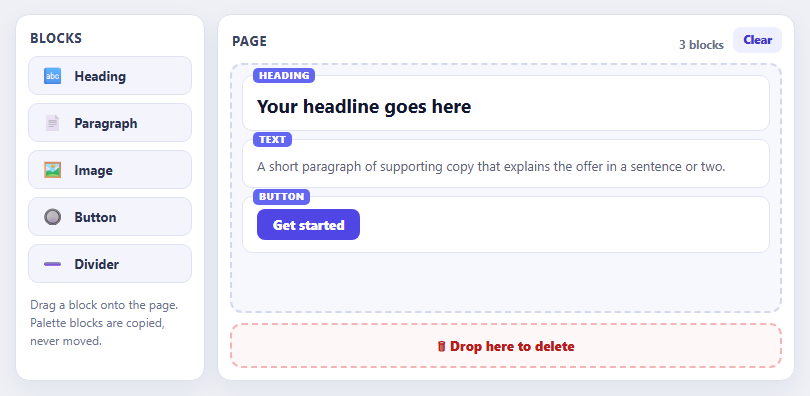
The first job is copy versus move. dragula([menu, order]) alone would move dishes out of the menu, emptying it as the customer chooses. The copy option accepts either true — copy every drag — or a function that receives the element and its source container. Returning source === menu makes drags that start in the menu copy the dish, while drags inside the order list still move, so reordering works normally. That single predicate is the entire difference between a shopping cart and a game of musical chairs.
The second is accepts, which decides whether a container may receive a dropped element. Returning target !== menu makes the menu read-only as a destination, so a dish cannot be dropped back onto it. When a drag is refused, Dragula reverts it and fires a cancel event, which the snippet uses to explain the rule. This is more useful than silently snapping back, because a user who does not understand why a drop failed assumes the interface is broken.
The third is spill behaviour. Dropping an element outside every container is called a spill. By default the drag is cancelled and the element returns; removeOnSpill: true deletes it instead, giving a natural gesture for removal — drag it off the list. Events tell the story: drop reports where an element landed and where it came from, remove fires when a spill deletes it, and cloned exposes both the floating mirror and the copy that will be inserted. The mirror gets Dragula's own gu-mirror class, styled here with a shadow, and the placeholder in the list gets gu-transit. The order total and empty-state hint are recomputed from the DOM after every event.
Build with AI
Build, Understand, Optimize, and Extend It With AI
Ask an AI assistant like Claude to add quantity badges for repeated dishes, persist the order to storage, or add a keyboard "Add to order" button on each dish.
Prompt to recreate it
Copy this into your AI assistant of choice to build the effect from scratch, or as a jumping-off point for your own variant:
Build a menu-to-order drag and drop with Dragula 3.7 loaded from a CDN (script and CSS).

Requirements:
- Create dragula([menu, order], { copy: (el, source) => source === menu, accepts: (el, target) => target !== menu, removeOnSpill: true }).
- Render six dishes with an emoji, name and price in the menu list.
- Handle drop, remove and cancel events to show a status message (including why a drop back onto the menu is refused) and recompute an order total and an empty-state hint from the DOM.
- Style .gu-mirror with a shadow and .gu-transit as the placeholder.
Want to tighten it up first? Run this prompt through the AI Prompt Studio to score it across 8 quality dimensions, catch anti-patterns, and tune the wording for Claude, ChatGPT, or Gemini before you paste it in.
Source Code
<div class="dg-app">
<section class="dg-col">
<h3>Menu <small>copies</small></h3>
<ul class="dg-list" id="dgMenu"></ul>
</section>
<section class="dg-col dg-order">
<h3>Your order <small id="dgTotal">$0.00</small></h3>
<ul class="dg-list" id="dgOrder" aria-live="polite"></ul>
<p class="dg-empty" id="dgEmpty">Drag dishes here</p>
</section>
<section class="dg-col dg-bin">
<h3>Rules</h3>
<ul class="dg-rules">
<li><b>Menu → Order</b> copies the dish.</li>
<li><b>Reorder</b> inside the order moves it.</li>
<li><b>Drop outside</b> any list to remove it.</li>
<li><b>Order → Menu</b> is refused.</li>
</ul>
<div class="dg-log" id="dgLog" role="status">Waiting for a drag...</div>
</section>
</div>body { background: #f4f1ec; padding: 16px; font-family: system-ui, sans-serif; }
.dg-app { max-width: 780px; margin: 0 auto; display: grid; grid-template-columns: 1fr 1fr 0.9fr; gap: 12px; }
@media (max-width: 600px) { .dg-app { grid-template-columns: 1fr; } }
.dg-col { background: #fff; border: 1px solid #e6dfd2; border-radius: 14px; padding: 12px; box-shadow: 0 6px 20px rgba(60,40,10,.06); position: relative; }
.dg-col h3 { margin: 2px 2px 10px; font-size: 13px; letter-spacing: .05em; text-transform: uppercase; color: #5a4a2a; display: flex; justify-content: space-between; align-items: baseline; }
.dg-col h3 small { font: 700 11px/1 system-ui, sans-serif; text-transform: none; letter-spacing: 0; color: #9a8760; font-variant-numeric: tabular-nums; }
.dg-list { list-style: none; margin: 0; padding: 0; min-height: 220px; display: flex; flex-direction: column; gap: 8px; }
.dg-dish { display: flex; align-items: center; gap: 10px; padding: 10px 12px; background: #fbf8f2; border: 1.5px solid #eadfc9; border-radius: 10px; font: 700 13.5px/1.2 system-ui, sans-serif; color: #3a2f18; cursor: grab; }
.dg-dish i { font-style: normal; font-size: 20px; } .dg-dish span { margin-left: auto; font-variant-numeric: tabular-nums; color: #8a6d2a; }
.dg-empty { position: absolute; left: 0; right: 0; top: 96px; text-align: center; color: #b3a486; font-weight: 700; font-size: 14px; pointer-events: none; }
.dg-empty[hidden] { display: none; }
.dg-rules { margin: 0 0 12px; padding-left: 18px; font-size: 12.5px; line-height: 1.7; color: #6b5a36; }
.dg-log { padding: 10px 12px; background: #f3efe6; border-radius: 10px; font: 700 12px/1.5 system-ui, sans-serif; color: #5a4a2a; min-height: 40px; }
.dg-log.bad { background: #fee2e2; color: #991b1b; }
/* Dragula's own classes for the picked-up copy and the placeholder left behind */
.gu-mirror { opacity: .95 !important; box-shadow: 0 14px 28px rgba(60,40,10,.3); border-radius: 10px; }
.gu-transit { opacity: .3; background: #fde68a; }const MENU = [
{ id: 'pz', n: 'Margherita', e: '🍕', p: 11.5 }, { id: 'bg', n: 'Smash burger', e: '🍔', p: 13 },
{ id: 'tc', n: 'Street tacos', e: '🌮', p: 9.5 }, { id: 'sl', n: 'Caesar salad', e: '🥗', p: 8 },
{ id: 'sh', n: 'Salmon nigiri', e: '🍣', p: 12 }, { id: 'ic', n: 'Gelato', e: '🍨', p: 5.5 },
];
const menu = document.getElementById('dgMenu'), order = document.getElementById('dgOrder');
const log = document.getElementById('dgLog'), total = document.getElementById('dgTotal'), empty = document.getElementById('dgEmpty');
const dish = function (d) { return '<li class="dg-dish" data-id="' + d.id + '" data-price="' + d.p + '"><i aria-hidden="true">' + d.e + '</i>' + d.n + '<span>$' + d.p.toFixed(2) + '</span></li>'; };
menu.innerHTML = MENU.map(dish).join('');
function say(text, bad) { log.textContent = text; log.classList.toggle('bad', !!bad); }
function refresh() {
let sum = 0;
Array.prototype.forEach.call(order.children, function (li) { sum += Number(li.dataset.price); });
total.textContent = '$' + sum.toFixed(2);
empty.hidden = order.children.length > 0;
}
const drake = dragula([menu, order], {
// copy: true copies EVERY drag, so restrict it to drags that start in the menu.
copy: function (el, source) { return source === menu; },
// Menu stays read-only as a drop target: nothing can be dropped back onto it.
accepts: function (el, target) { return target !== menu; },
// Dragging an item out of the order and letting go elsewhere deletes it; a copy dropped nowhere just vanishes.
removeOnSpill: true,
// The menu's own items cannot be reordered, so a drag from the menu only makes sense to copy.
moves: function (el, source, handle) { return true; },
});
drake.on('drop', function (el, target, source) {
if (!target) return;
if (source === menu) say('Added ' + el.textContent.replace(/\$.*/, '') + ' to your order (copied).', false);
else say('Reordered your order.', false);
refresh();
});
drake.on('remove', function (el, container, source) {
// Fires when removeOnSpill discards an element.
if (source === order) say('Removed ' + el.textContent.replace(/\$.*/, '') + '.', false);
refresh();
});
drake.on('cancel', function (el, container, source) { if (container === menu) say('Menu items cannot be moved back - that is what copy is for.', true); });
drake.on('cloned', function (clone, original, type) {
// 'mirror' is the floating ghost; 'copy' is the item that will be inserted. Only the second one is worth touching.
if (type === 'copy') clone.classList.add('dg-copy');
});
// Seed one dish so the preview is not empty.
order.insertAdjacentHTML('beforeend', dish(MENU[0]) + dish(MENU[5]));
refresh();Step by step
How to Use
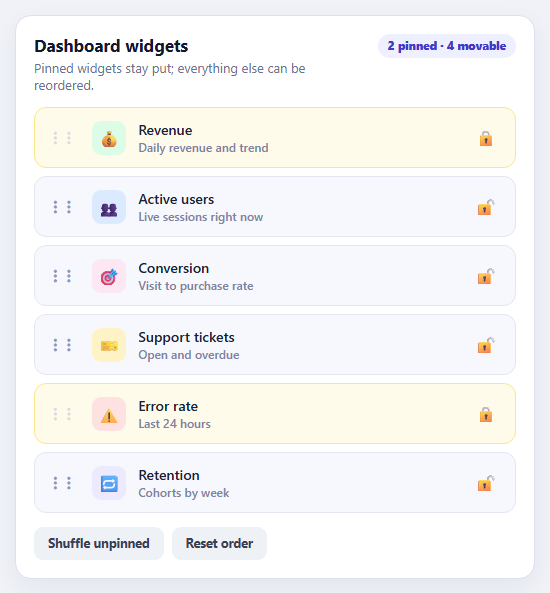
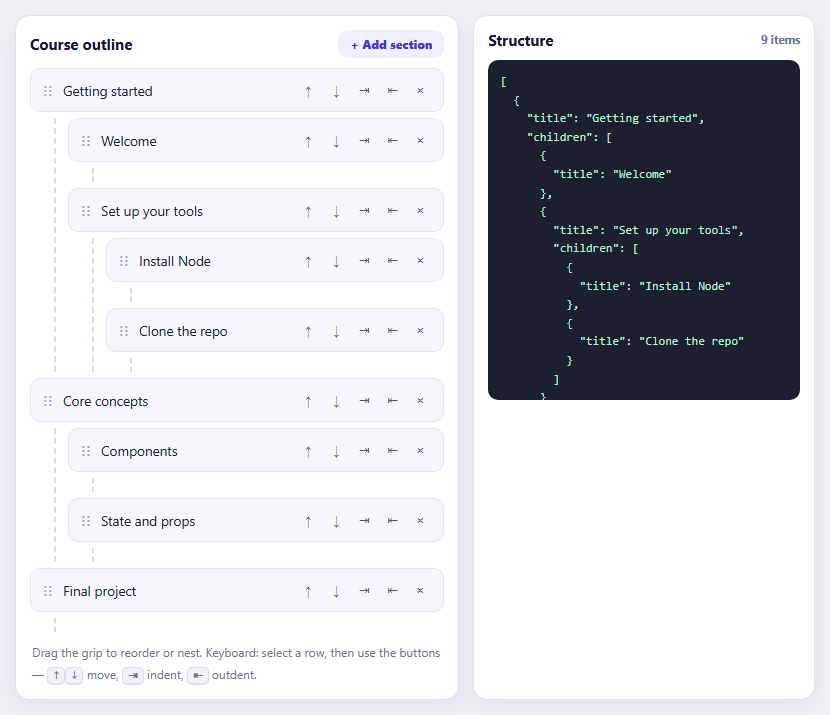
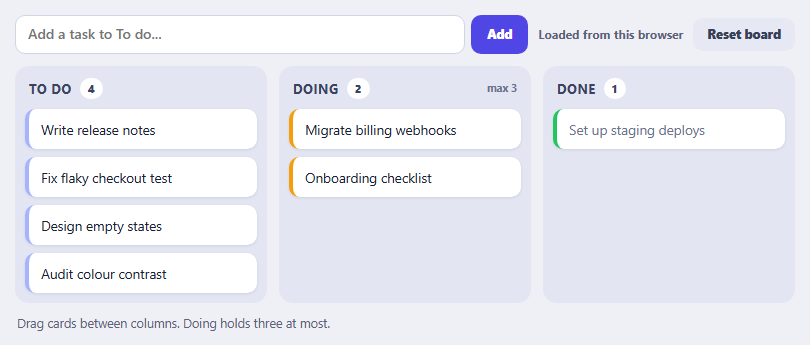
- 1Copy a dishDrag a dish from the menu into Your order. The menu keeps its item — it was copied.
- 2Reorder the orderDrag dishes within Your order to change their sequence. Inside this list, drags move rather than copy.
- 3Try to put one backDrag an ordered dish onto the menu. It snaps back and the log explains that the menu refuses drops.
- 4Remove a dishDrag an ordered dish outside any list and release. It is deleted and the total updates.
- 5Watch the totalThe total in the heading follows every add, move and removal.
Real-world uses
Common Use Cases
Got questions?
Frequently Asked Questions
Use the copy option. Pass true to copy every drag, or a function such as (el, source) => source === menu to copy only from certain containers.
Use accepts(el, target) and return false for containers that should not receive items.
Dropping an element outside every container. With removeOnSpill: true the element is deleted; with revertOnSpill: true it goes back where it started.
Listen for the cancel event, which reports the element, container and source.
gu-mirror is the floating copy that follows the pointer; gu-transit is the placeholder shown in the list while dragging.
Yes. Dragula supports touch events and uses the same options on mobile browsers.
Yes. Use the JSX, Vue, Angular or Tailwind export buttons on this page to convert the markup and styles. The behaviour comes from Dragula, so in a framework project install it with npm install dragula (or ng2-dragula for Angular) instead of the CDN tag, create it in useEffect / onMounted / ngAfterViewInit with the container elements, and release it with drake.destroy() when the component unmounts.