Free Tools for Modern Web Creators
UI snippets, coding playgrounds, developer tools and practical tutorials — all in your browser, instantly.
2063+ copy-paste UI snippets — cards, heroes, navbars, modals, forms, loaders and animations — plus learn-to-code playgrounds (HTML, CSS, JS, React, Next.js, Python, SQL), freelancer tools (invoicing, CRM, contracts), and 183+ developer utilities like CSS generators, a JSON formatter, and PDF and image editors. Built for the moments you'd rather not open five different sites for one small job — a JSON formatter, a CSS generator, an invoice template, a coding tutorial.
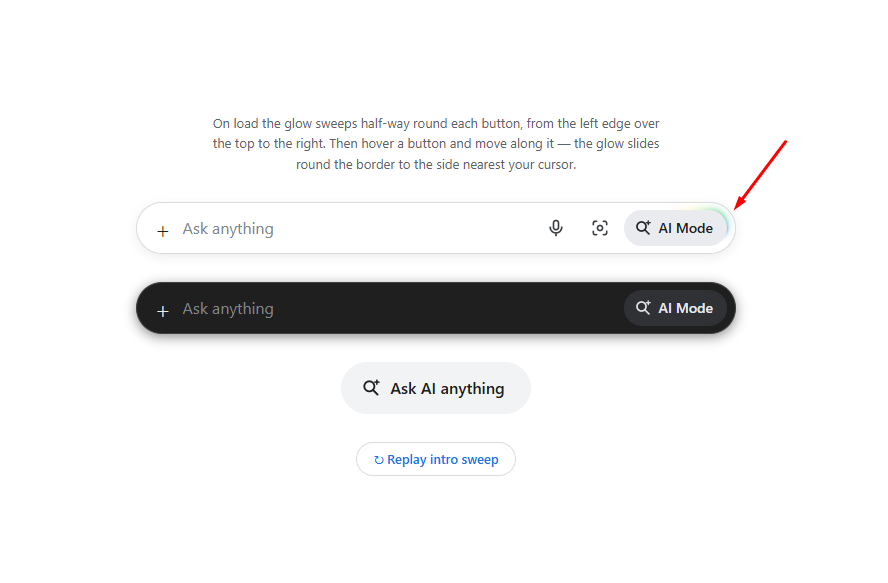
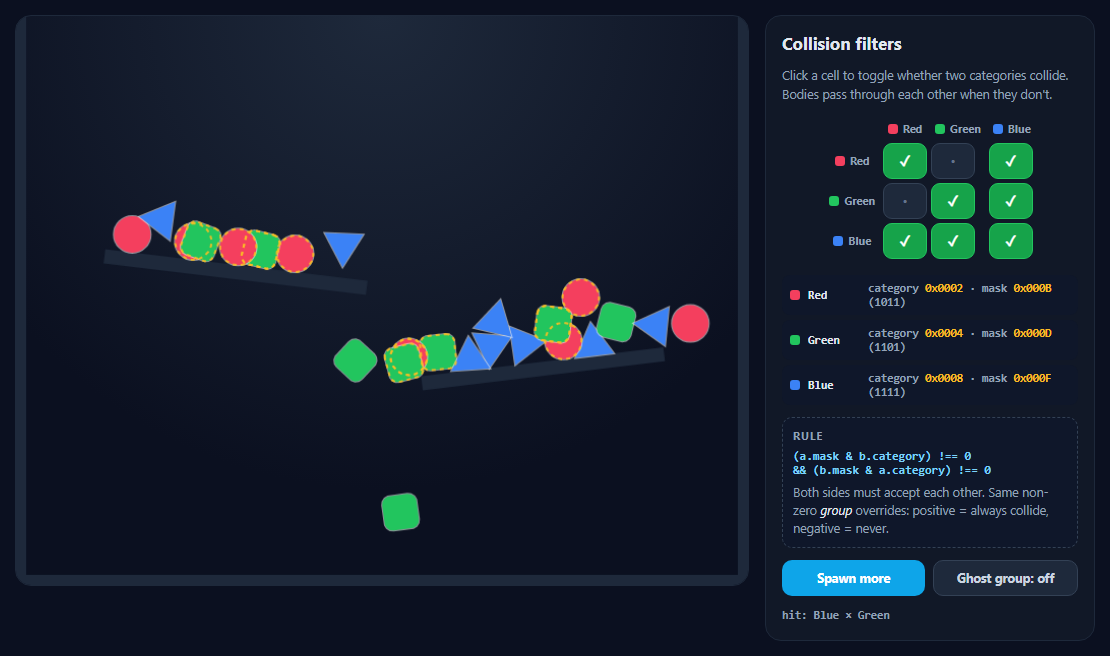
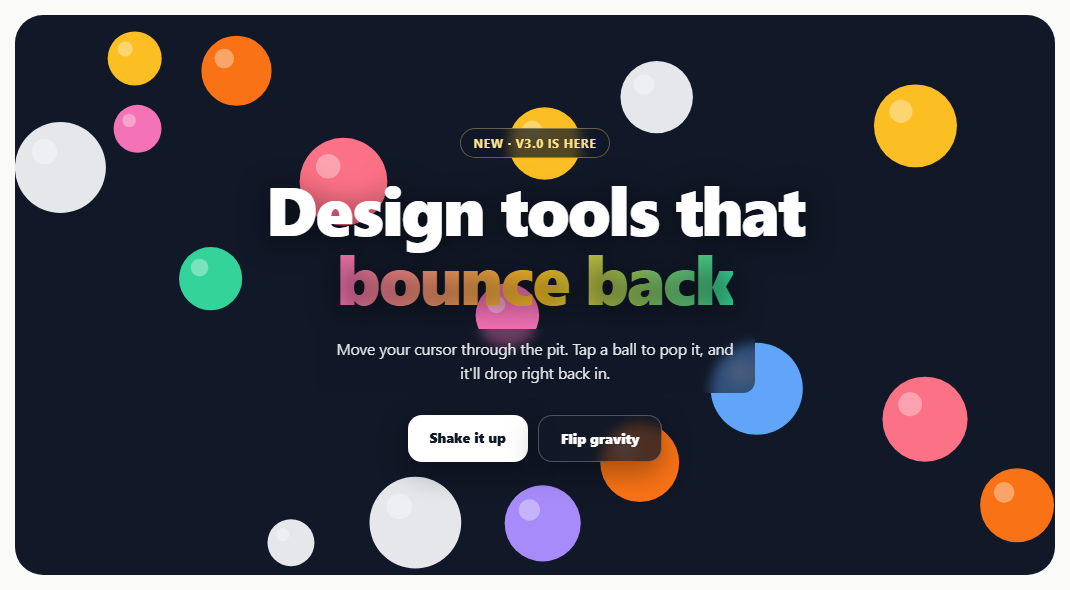
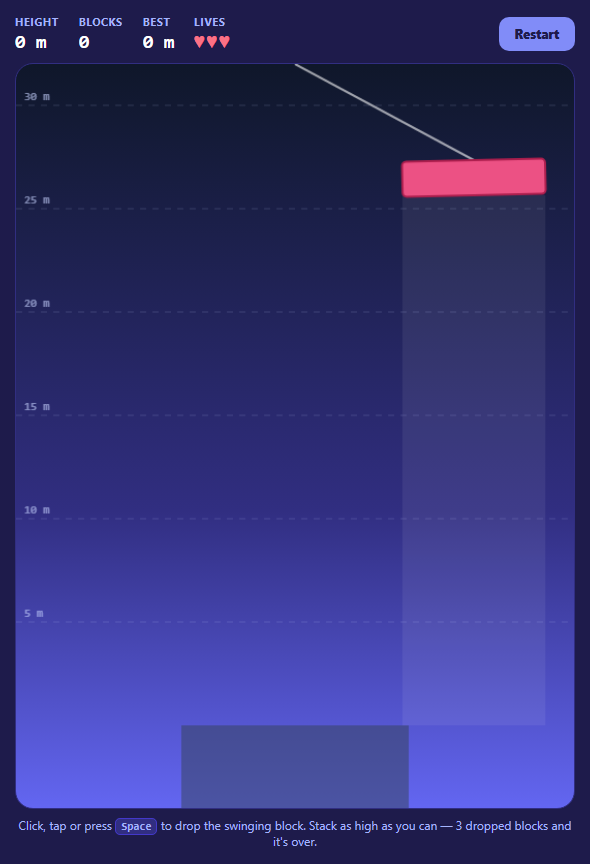
Copy-paste ready UI components for your next project. 2063+ snippets across 20+ categories.
Learn HTML, CSS, JavaScript, React and Next.js visually with live editors. No install required.
 HTML Playground42 lessons · Click-based · Live preview
 CSS PlaygroundLearn CSS with a live editor
 JavaScript Playground60 lessons · DOM · Async · Canvas
 React PlaygroundLearn React with a live code editor
 Vue.js Playground40 lessons · Composition API · Mini-Projects
 GSAP PlaygroundLearn GSAP animation interactively
 SVG Playground44 lessons · shapes · paths · animation
 Tailwind PlaygroundLearn Tailwind CSS with a live editor
183+ free browser-based tools for developers, designers and freelancers. No install, no signup.
Practical tutorials, examples and guides for modern web development.
 Responsive Navbar Builder: The Complete Guide to Dropdowns, Mobile Menus and Code Export
 CSS Grid vs Flexbox: When Should You Use Each?
 CSS Container Queries: A Practical Guide with Real Examples
 CSS :has() Selector: 10 Practical Examples You Can Click and Edit
 CSS clamp() Explained, with 10 Live Fluid-Sizing Demos You Can Drag
Color Contrast Checker
WCAG AA & AAA complianceCheck foreground/background color contrast ratio against WCAG 2.1 AA and AAA. Live preview for text, large text, and UI components. Suggested fix when you fail.

Media Queries Generator
CSS · SCSS · Tailwind · JSGenerate CSS media queries with Bootstrap, Tailwind, or MUI breakpoints. Add dark mode, reduced motion, print, and retina feature queries. Export as CSS, SCSS mixins, Tailwind config, or JS strings.

CSS Shape Generator
37 shapes · 7 exportsGenerate pure CSS for 37 shapes — triangles, arrows, stars, hearts, hexagons, speech bubbles and more. Customize color, size, rotation. Export as CSS, HTML, React, Tailwind, SCSS, Styled-Components, or Vue.

CSS Easing Generator
Cubic-bezier curve editorVisual CSS cubic-bezier easing generator. Drag handles to create custom timing functions, preview live animations, copy transition/animation snippets. 27 presets including Back, Expo, Circ easings.

CSS Animation Generator
Keyframe animation builder79 CSS keyframe animations with live preview. Visual cubic-bezier editor. Export CSS, Tailwind config, or React.

CSS Loader Generator
Animated spinners10 pure CSS loading animations. Customize colors, size, and speed. Copy CSS and HTML instantly.

CSS Transform Generator
Translate, rotate, scaleVisual sliders for translate, rotate, scale and skew with live preview. Transform-origin picker, 3D perspective, 10 presets. Export CSS, Tailwind, or React.

CSS Filter Generator
Visual image filters9 CSS filter functions with live side-by-side preview. Blur, brightness, contrast, saturate, grayscale, sepia, hue-rotate, invert, opacity + drop-shadow. 10 presets.

Box Shadow Generator
CSS shadow studioMulti-layer CSS box shadow studio with neumorphism presets. Export CSS, Tailwind, JS, or SCSS.
What's included
Features
About this tool
2063+ UI Snippets, Learn to Code Interactively, Freelancer Tools & Developer Utilities — FWD Tools
Most of what a web developer or freelancer needs day to day is scattered across a dozen single-purpose sites — a snippet library here, a coding tutorial there, an invoice generator somewhere else. FWD Tools puts all four of those categories in one place: 2063+ copy-paste UI snippets, 10 interactive coding playgrounds, freelancer productivity tools, and 183+ developer utilities, with nothing to install, no account to create, and no data sent to any server.
UI Snippets — 2063+ production-ready HTML, CSS, and JavaScript components you can copy-paste directly into any project. Cards, heroes, navigation, modals, forms, loaders, animations, dashboards, and more. No framework required — pure HTML/CSS/JS that works anywhere. Every snippet has a live preview, syntax-highlighted source code, and a dedicated page with framework export tips for React, Vue, and Tailwind. A built-in Test Exports preview renders each snippet live in HTML, Tailwind, React, React + Tailwind, Vue, and Angular — so you can confirm the converted code actually works before you download it.
Learn to code interactively — 11 browser-based coding playgrounds with no install, no account, and no setup required. The HTML Playground teaches semantic markup through 42 lessons. The CSS Playground shows every property live with 53 lessons. The JavaScript Playground covers 60 lessons from variables through generators and Proxy. The Tailwind Playground includes class autocomplete and 48 lessons. The React Playground covers 44 lessons from JSX through hooks, portals, and Suspense. The Vue.js Playground covers 40 lessons including Composition API, Teleport, and custom directives. The GSAP Playground teaches animation with 55 lessons including ScrollTrigger. The SQL Playground runs real PostgreSQL via WebAssembly with 35 lessons. The MongoDB Playground covers 32 lessons on aggregation, CRUD, and update operators. The Express.js Playground covers backend routing, middleware, REST API design, and authentication with 32 lessons. All save progress automatically in your browser.
Freelancer tools — Freelance Dashboard (daily focus log + kanban in one tab), Freelance Invoice Generator (PDF invoices with logo, tax, and line items), Client CRM, Proposal Builder, Contract Template Manager, Time Tracker (billable hours + CSV export), Expense Tracker, Freelance Rate Calculator, and take-home pay calculators for India, UK, Canada, and Australia. Everything stores in your browser's IndexedDB with optional GitHub Gist backup — no subscription, no cloud required.
Developer tools — JSON Formatter, JSON Table Viewer, HTML Formatter, Diff Checker, HTML to JSX Converter, API Request Generator & Tester, Regex Tester, JWT Decoder, URL Encoder/Decoder, and Base64 Encoder/Decoder. CSS tools include Flexbox Builder, CSS Grid Builder, CSS Autoprefixer, Box Shadow Generator, Gradient Generator, CSS Animation Generator, CSS Loader Generator, CSS Transform Generator, CSS Filter Generator, Clamp() Generator, Clip-path Generator, Glassmorphism Generator, Mesh Gradient Generator, CSS Minifier/Beautifier, CSS to Tailwind Converter, and Tailwind to CSS Converter. PDF tools include PDF Password Protector, PDF Watermark, PDF Page Organizer, PDF Compressor, PDF Splitter, PDF Merger, PDF to Images, Images to PDF, and PDF to Word — all running in the browser via WebAssembly with no file upload to any server.
Every tool is built with React 19 and runs 100% client-side. No signup, no account, no data uploaded — your code, files, images, and financial data never leave your device. The interface is keyboard-friendly, fast, and fully mobile-responsive.
Real-world uses
Common Use Cases
Got questions?
Frequently Asked Questions
FWD Tools has 2063+ copy-paste HTML, CSS, and JavaScript UI components — no framework, no npm install required. Categories include cards, hero sections, navigation, modals, forms, loaders, animations, dashboards, and more. Every snippet has a live preview, syntax-highlighted source, and a dedicated page with notes on using it in React, Vue, and Tailwind projects. New snippets are added regularly.
FWD Tools is built for frontend developers, freelancers, web developers, designers, and anyone learning to code. The platform covers four main areas: UI snippets (copy-paste components), interactive coding playgrounds (learn HTML/CSS/JS/React/Vue), freelancer productivity tools (invoicing, CRM, kanban, time tracking), and developer utilities (CSS generators, JSON formatter, PDF tools, API tester, calculators).
FWD Tools includes eleven browser-based coding playgrounds — no install, no account, no setup required. The HTML Playground teaches semantic markup through 42 lessons. The CSS Playground shows every property live with 53 lessons. The JavaScript Playground has 60 lessons from variables through generators and Proxy. The Tailwind Playground includes class name autocomplete and 48 lessons. The React Playground covers 44 lessons from JSX through hooks, portals, and Suspense. The Vue.js Playground covers 40 lessons including Composition API, Teleport, custom directives, and mini-projects. The GSAP Playground teaches animation with 55 lessons including ScrollTrigger. The SQL Playground runs real PostgreSQL via WebAssembly with 35 lessons. The MongoDB Playground simulates real MongoDB with 32 lessons on find(), aggregation pipelines, update operators, and CRUD — no server needed. The Express.js Playground covers routing, middleware, REST API design, error handling, and authentication with 32 lessons. All save progress automatically.
Yes — every tool is completely free with no account, no subscription, and no usage limits. All 183 tools are available to anyone without sign-up. There are no paywalled features, no watermarks on downloads, and no request caps.
No. All processing happens entirely in your browser using JavaScript. Your JSON, CSS, code, images, PDFs, and financial data never leave your device. Image and PDF tools use the FileReader and Canvas APIs. Security tools use the browser's built-in SubtleCrypto API. This makes every tool safe for confidential data.
The Freelance Invoice Generator creates professional PDF invoices with logo, line items, tax, and discount. The Time Tracker tracks billable client hours with CSV export and optional GitHub Gist backup. The Freelance Dashboard combines a daily focus log with a full kanban project board in one tab. The Daily Focus Log tracks tasks, streaks, and work logs with file attachments. Take-home pay calculators are available for India, UK, Canada, and Australia. The Budget Planner uses the 50/30/20 rule on your net pay.
The CSS collection covers: Flexbox Builder, CSS Grid Builder, CSS Autoprefixer, Box Shadow Generator, Gradient Generator, CSS Animation Generator, CSS Loader Generator, CSS Transform Generator, CSS Filter Generator, CSS Clamp() Generator, CSS Clip-path Generator, Glassmorphism Generator, Mesh Gradient Generator, CSS Minifier/Beautifier, CSS to Tailwind Converter, and Tailwind to CSS Converter — 16 CSS tools in total.
The PDF toolkit includes: PDF Password Protector (256-bit encryption), PDF Watermark (text and image), PDF Page Organizer (reorder, delete, rotate), PDF Compressor, PDF Splitter, PDF Merger, PDF to Images (PNG/JPG/WebP), Images to PDF, and PDF to Word. All PDF tools run entirely in the browser — no files are uploaded to any server.
Image Compressor reduces PNG, JPEG, and WebP file sizes in the browser. Image Editor lets you crop, resize, rotate, and apply filters. Image to Base64 converts images to Data URI, HTML img tag, or CSS background-image. Image to SVG traces raster images into vector paths. Image to Text (OCR) extracts text from images. SVG to PNG converts SVG files to raster images at any resolution.
No. Open any tool in a modern browser — Chrome, Firefox, Safari, or Edge — and start immediately. No npm install, no browser extension, no app download required.
Yes. The layout is fully responsive and works on phones and tablets. Visual builders like the Flexbox Builder and Freelance Dashboard are best on larger screens, but all tools are fully functional on mobile.
Yes. The live collection has grown from 15 to 183 tools and continues to expand. Recent additions include eleven interactive coding playgrounds (HTML, CSS, JavaScript, Tailwind, React, Vue.js, GSAP, SQL, MongoDB, Express.js, and more) with new lessons added regularly. New tools are also added across CSS, developer utilities, PDF, finance calculators, design, and freelancer productivity. Check the blog at /blog/ for updates.