
Learn Coding Visually
Learn to code with interactive, live-preview playgrounds — HTML, CSS, JavaScript, React & more.
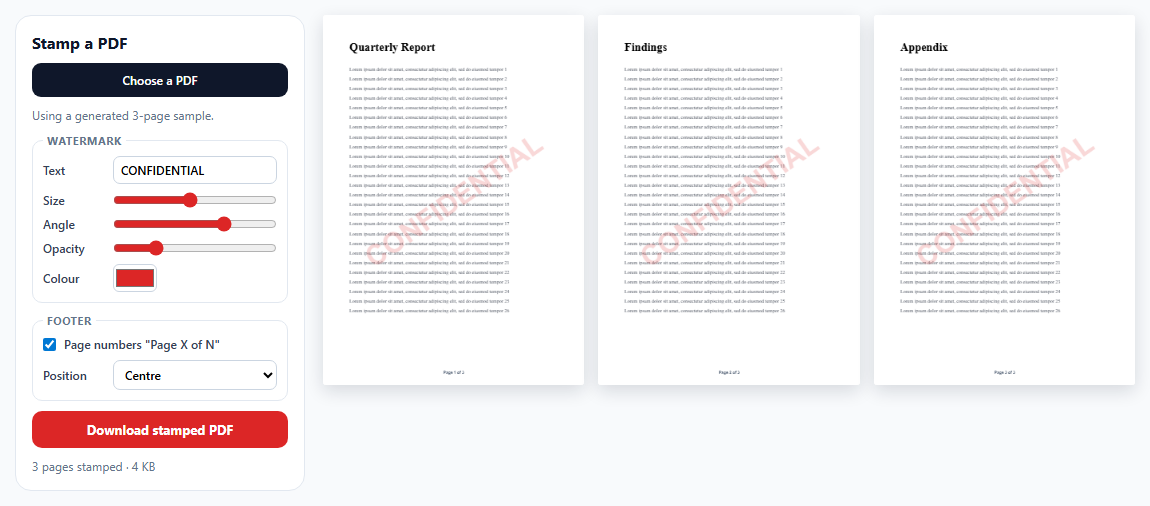
 HTML Playground42 lessons · Click-based · Live preview
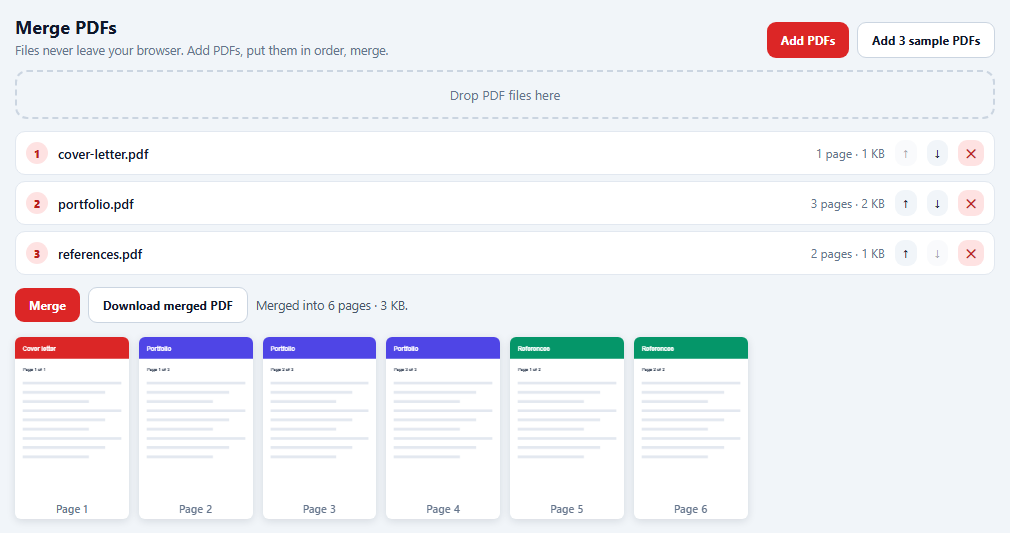
 CSS PlaygroundLearn CSS with a live editor
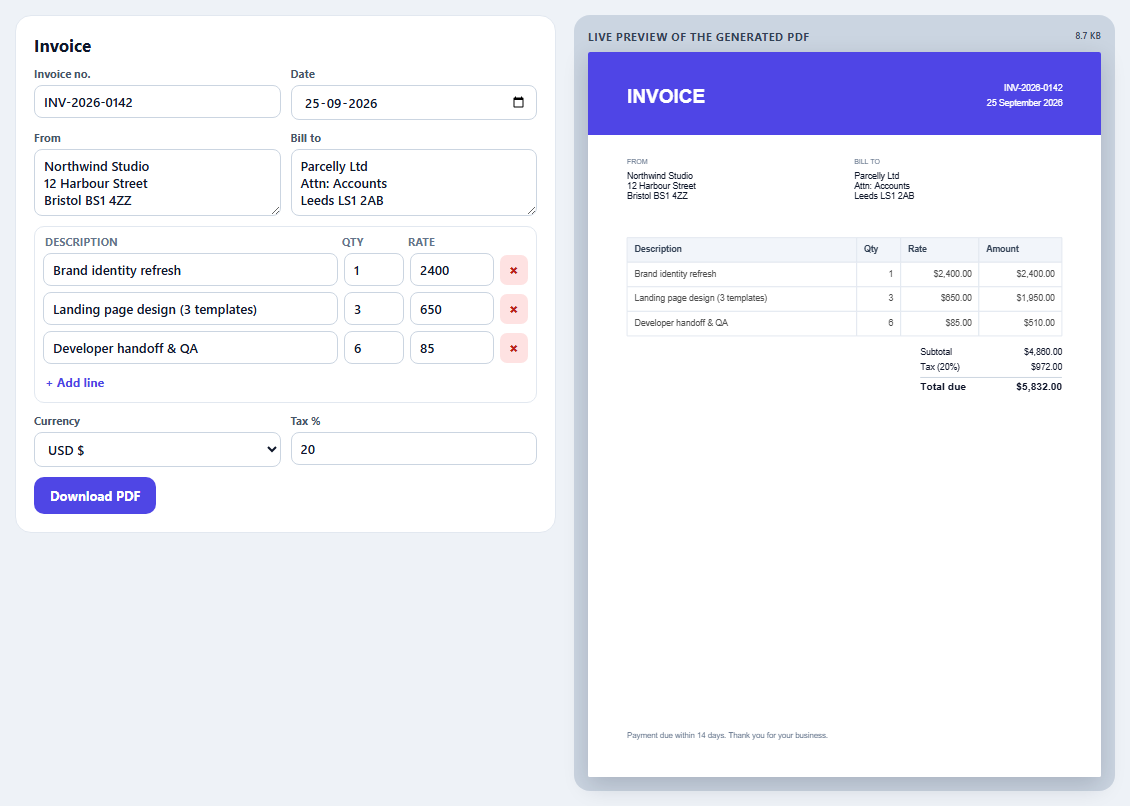
 JavaScript Playground60 lessons · DOM · Async · Canvas
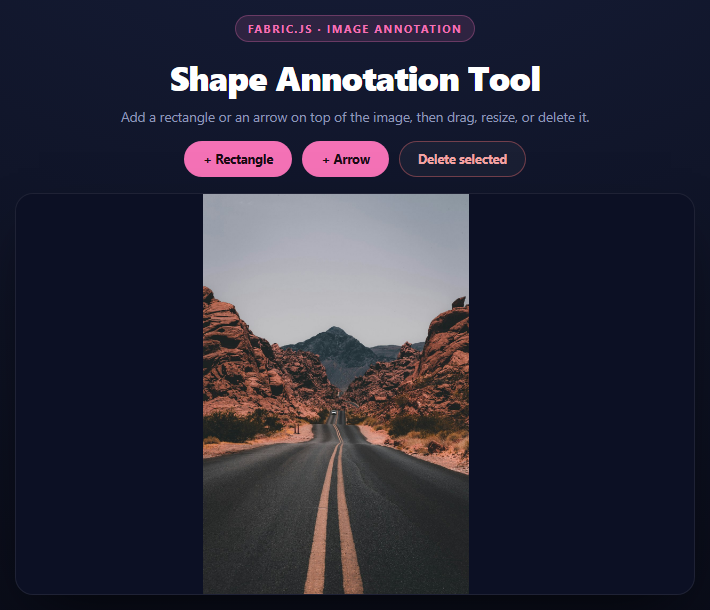
 React PlaygroundLearn React with a live code editor
 GSAP PlaygroundLearn GSAP animation interactively
 SVG Playground44 lessons · shapes · paths · animation
 SCSS Playground45 lessons · Sass modules · tokens
 Tailwind PlaygroundLearn Tailwind CSS with a live editor
 Bootstrap 5 Playground50 lessons · live preview
PDF.js Text Search with Highlighted Matches — Free JavaScript Snippet
PDF.js Text Search with Highlighted Matches · Tools · Plain HTML, CSS & JS · Live preview
What's included
Features
About this UI Snippet
Searching Inside a PDF With PDF.js — Text Extraction and Highlight Geometry
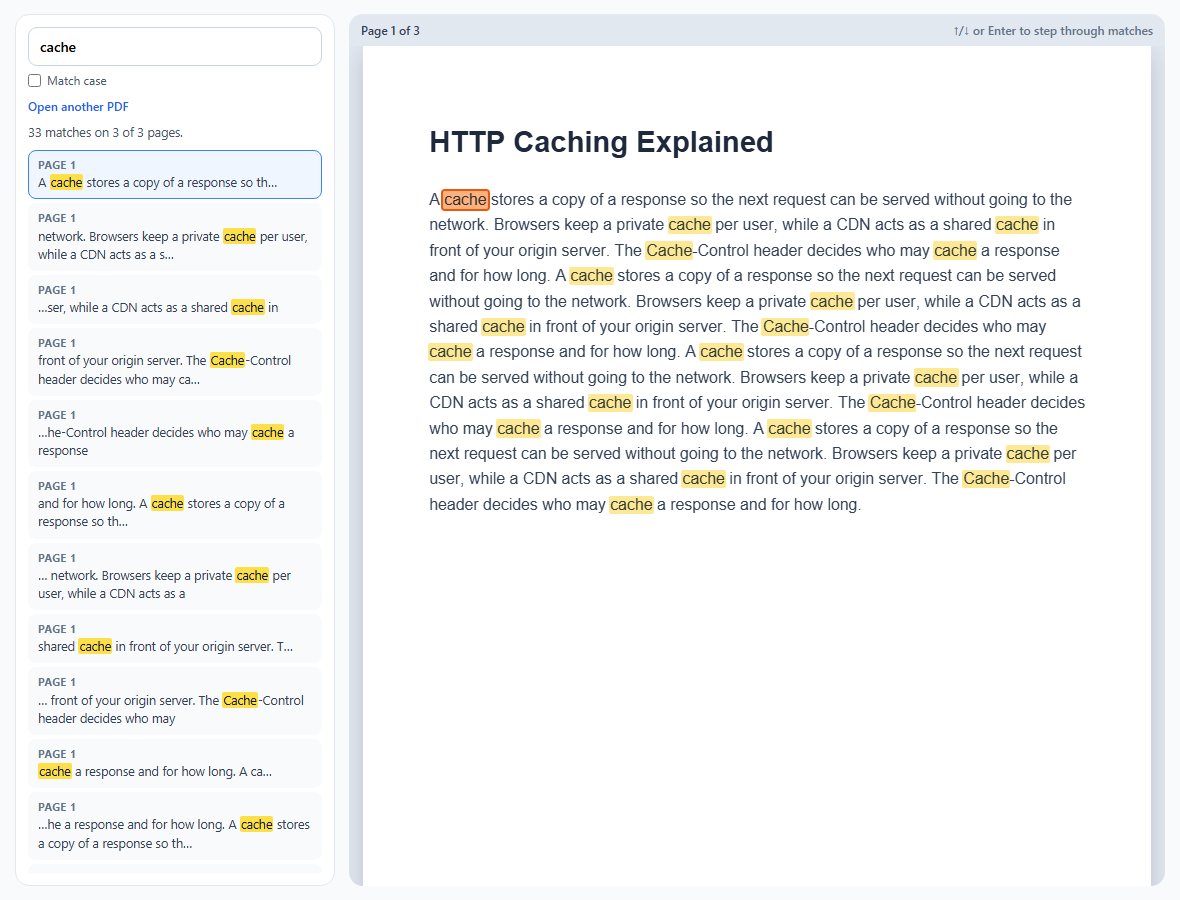
A PDF isn't a text document; it's a set of drawing instructions that happen to place glyphs. Searching one means asking PDF.js to reconstruct the text, then mapping matches back onto the drawing. This snippet does both and explains each step.
getTextContent returns runs, not paragraphs
For each page, page.getTextContent() returns items: runs of characters PDF.js found together, each with a str, a width and a transform matrix that says where the run starts on the page. A line of body text is often a single item; headings, bold words or kerned text can be split into several. Extraction happens once per document; searching is then a plain string scan over every item.
Results with context
Each match stores its page, item and character offset. The results list shows up to 34 characters either side, with the match wrapped in <mark>, escaped to avoid injecting HTML from the PDF.
From PDF coordinates to pixels
PDF space starts at the bottom-left with y going up; the canvas starts at the top-left. pdfjsLib.Util.transform(viewport.transform, item.transform) combines the page's viewport (scale, flip, rotation) with the item's own transform, giving the run's baseline position in canvas pixels. The font height comes from the length of the matrix's vertical vector, Math.hypot(tx[2], tx[3]).
Where exactly is the word?
The run's total width is known, but not each character's. Counting characters — placing the match at offset ÷ length of the run — drifts visibly on long lines, because an "m" is far wider than an "i". Instead, the snippet measures the text before the match and the match itself with canvas measureText in the run's font family (from getTextContent's styles), then scales those widths to the run's real width. PDF.js's own viewer goes further with a text layer of positioned spans.
Limitations
A match split across two items (for example a hyphenated line break) won't be found. Scanned PDFs have no text at all without OCR.
Build with AI
Build, Understand, Optimize, and Extend It With AI
Paste this snippet into an AI assistant like Claude and ask it to explain how Util.transform maps PDF coordinates to canvas pixels, including the y-axis flip. Ask it to support matches that span text items, whole-word and regex search, exact character boxes using PDF.js's text layer, or searching all pages in a Web Worker for very large documents.
Prompt to recreate it
Copy this into your AI assistant of choice to build the effect from scratch, or as a jumping-off point for your own variant:
Build a PDF text search tool with PDF.js 3 (classic build from a CDN) in plain HTML, CSS and JavaScript, using jsPDF only to generate a sample document.

Requirements:
- Generate a three-page sample PDF about HTTP caching with jsPDF and open it on load; also allow opening a local PDF.
- Extract text content from every page once, keeping each non-empty text item.
- A search box (minimum two characters, debounced) with a match-case option that finds every occurrence within each text item and lists results with page number and escaped context, the match wrapped in a mark element, plus a summary of matches and pages.
- Selecting a result (click, Enter, or up/down arrows in the search box) renders that page on a high-DPI canvas and draws highlight boxes for all matches on it, with the current match emphasised and scrolled into view.
- Position boxes by combining the viewport transform with each text item's transform, measuring the prefix and match with measureText in the run's font family and scaling to the run width to find its horizontal position, and the transform's vertical vector length for font height.
Want to tighten it up first? Run this prompt through the AI Prompt Studio to score it across 8 quality dimensions, catch anti-patterns, and tune the wording for Claude, ChatGPT, or Gemini before you paste it in.
Source Code
<div class="ps">
  <aside class="ps-side">
    <form id="psForm" class="ps-search" role="search">
      <input id="psQuery" type="search" value="cache" placeholder="Search the PDF…" aria-label="Search text" autocomplete="off">
      <label class="ps-case"><input type="checkbox" id="psCase"> Match case</label>
    </form>
    <label class="ps-open">Open another PDF<input type="file" id="psFile" accept="application/pdf"></label>
    <div class="ps-summary" id="psSummary" aria-live="polite"></div>
    <ol class="ps-results" id="psResults"></ol>
  </aside>
  <main class="ps-main">
    <div class="ps-pagebar"><span id="psPageLabel"></span><span class="ps-hint">↑/↓ or Enter to step through matches</span></div>
    <div class="ps-stage"><div class="ps-page" id="psPage"><canvas id="psCanvas"></canvas><div class="ps-hl" id="psHl"></div></div></div>
  </main>
</div>*{box-sizing:border-box;margin:0;padding:0}
body{font-family:system-ui,-apple-system,sans-serif;background:#f8fafc;color:#0f172a;height:100vh;padding:14px;overflow:hidden}
.ps{height:100%;max-width:1150px;margin:0 auto;display:grid;grid-template-columns:320px minmax(0,1fr);gap:14px}
@media (max-width:760px){.ps{grid-template-columns:1fr;grid-template-rows:auto 1fr}.ps-results{max-height:160px}}
.ps-side{background:#fff;border:1px solid #e2e8f0;border-radius:14px;padding:12px;display:flex;flex-direction:column;gap:10px;min-height:0}
.ps-search input[type=search]{width:100%;border:1px solid #cbd5e1;border-radius:9px;padding:9px 11px;font:600 14px system-ui}
.ps-case{display:flex;align-items:center;gap:6px;font-size:12px;color:#475569;margin-top:6px}
.ps-open{font:600 12px system-ui;color:#2563eb;cursor:pointer}
.ps-open input{position:absolute;width:1px;height:1px;opacity:0}
.ps :focus-visible,.ps-open:focus-within{outline:2px solid #3b82f6;outline-offset:2px}
.ps-summary{font-size:12.5px;color:#475569}
.ps-results{list-style:none;overflow-y:auto;flex:1;min-height:0;display:flex;flex-direction:column;gap:4px;scrollbar-width:thin}
.ps-results button{width:100%;text-align:left;border:1px solid transparent;background:#f8fafc;border-radius:8px;padding:7px 9px;cursor:pointer;font:12.5px/1.45 system-ui;color:#334155}
.ps-results button small{display:block;font-weight:700;color:#64748b;font-size:10.5px;text-transform:uppercase;letter-spacing:.05em}
.ps-results button mark{background:#fde047;color:#0f172a;border-radius:2px;padding:0 1px}
.ps-results button[aria-current="true"]{border-color:#3b82f6;background:#eff6ff}
.ps-main{background:#e2e8f0;border-radius:14px;display:flex;flex-direction:column;min-height:0;overflow:hidden}
.ps-pagebar{display:flex;justify-content:space-between;padding:8px 12px;font-size:12px;font-weight:600;color:#334155}
.ps-hint{color:#64748b;font-weight:500}
.ps-stage{flex:1;overflow:auto;padding:0 14px 14px;display:grid;place-items:start center;scrollbar-width:thin}
.ps-page{position:relative;box-shadow:0 8px 24px rgba(15,23,42,.18)}
#psCanvas{display:block;background:#fff}
.ps-hl{position:absolute;inset:0;pointer-events:none}
.ps-hl i{position:absolute;background:rgba(250,204,21,.45);border-radius:2px;mix-blend-mode:multiply}
.ps-hl i.cur{background:rgba(249,115,22,.55);outline:2px solid #ea580c}pdfjsLib.GlobalWorkerOptions.workerSrc = 'https://cdn.jsdelivr.net/npm/pdfjs-dist@3.11.174/build/pdf.worker.min.js';
var pdf = null, pages = [], matches = [], cur = -1, shownPage = 0;
var canvas = document.getElementById('psCanvas');
var hl = document.getElementById('psHl');
function sampleBytes() {
var doc = new jspdf.jsPDF({ unit: 'pt', format: 'a4' });
var sections = [
['HTTP Caching Explained', 'A cache stores a copy of a response so the next request can be served without going to the network. Browsers keep a private cache per user, while a CDN acts as a shared cache in front of your origin server. The Cache-Control header decides who may cache a response and for how long.'],
['Freshness and validation', 'A response is fresh while its max-age has not elapsed. After that the browser revalidates it with a conditional request using the ETag or Last-Modified value. A 304 Not Modified reply tells the browser to reuse its cached copy, saving the body transfer.'],
['Cache busting', 'Long-lived assets are safest with a content hash in the file name. When the file changes, its name changes, so the cache never serves a stale version. HTML documents usually use no-cache so they are revalidated on every visit.'],
];
sections.forEach(function (s, i) {
if (i) doc.addPage();
doc.setFont('helvetica', 'bold'); doc.setFontSize(22); doc.setTextColor(30, 41, 59);
doc.text(s[0], 50, 80);
doc.setFont('helvetica', 'normal'); doc.setFontSize(12); doc.setTextColor(51, 65, 85);
var lines = doc.splitTextToSize((s[1] + ' ').repeat(4), 495);
doc.text(lines, 50, 120, { lineHeightFactor: 1.6 });
});
return doc.output('arraybuffer');
}
// Extract every page's text once. Each text item is a run of characters
// PDF.js found together, with a transform giving its position.
async function open(data) {
if (pdf) pdf.destroy();
pdf = await pdfjsLib.getDocument({ data: data }).promise;
pages = [];
for (var n = 1; n <= pdf.numPages; n++) {
var page = await pdf.getPage(n);
var tc = await page.getTextContent();
pages.push({ page: page, items: tc.items.filter(function (it) { return it.str; }), styles: tc.styles });
}
search();
}
function esc(s) { return s.replace(/[&<>]/g, function (c) { return { '&': '&', '<': '<', '>': '>' }[c]; }); }
function search() {
var q = document.getElementById('psQuery').value;
var mc = document.getElementById('psCase').checked;
matches = [];
if (q.length >= 2) {
var needle = mc ? q : q.toLowerCase();
pages.forEach(function (p, pi) {
p.items.forEach(function (it, ii) {
var hay = mc ? it.str : it.str.toLowerCase();
var from = 0, at;
while ((at = hay.indexOf(needle, from)) !== -1) {
matches.push({ page: pi, item: ii, start: at, len: q.length });
from = at + q.length;
}
});
});
}
var list = document.getElementById('psResults');
list.innerHTML = matches.map(function (m, i) {
var s = pages[m.page].items[m.item].str;
var a = Math.max(0, m.start - 34), b = Math.min(s.length, m.start + m.len + 34);
return '<li><button type="button" data-i="' + i + '"><small>Page ' + (m.page + 1) + '</small>' +
(a ? '…' : '') + esc(s.slice(a, m.start)) + '<mark>' + esc(s.substr(m.start, m.len)) + '</mark>' + esc(s.slice(m.start + m.len, b)) + (b < s.length ? '…' : '') + '</button></li>';
}).join('');
var perPage = {};
matches.forEach(function (m) { perPage[m.page] = (perPage[m.page] || 0) + 1; });
document.getElementById('psSummary').textContent = q.length < 2 ? 'Type at least 2 characters.' :
matches.length + ' match' + (matches.length === 1 ? '' : 'es') + ' on ' + Object.keys(perPage).length + ' of ' + pages.length + ' pages.';
select(matches.length ? 0 : -1);
}
async function select(i) {
cur = i;
document.querySelectorAll('#psResults button').forEach(function (b) {
var on = Number(b.dataset.i) === i;
b.setAttribute('aria-current', on ? 'true' : 'false');
if (on) b.scrollIntoView({ block: 'nearest' });
});
var pageIndex = i >= 0 ? matches[i].page : shownPage;
await showPage(pageIndex);
var box = hl.querySelector('i.cur');
if (box) box.scrollIntoView({ block: 'center', behavior: 'smooth' });
}
var lastViewport = null;
async function showPage(pi) {
var p = pages[pi];
if (!p) return;
var dpr = window.devicePixelRatio || 1;
var base = p.page.getViewport({ scale: 1 });
var scale = Math.min(1.4, (document.querySelector('.ps-stage').clientWidth - 28) / base.width);
var vp = p.page.getViewport({ scale: scale });
if (pi !== shownPage || !lastViewport || lastViewport.scale !== scale || !canvas.width) {
var big = p.page.getViewport({ scale: scale * dpr });
canvas.width = big.width; canvas.height = big.height;
canvas.style.width = vp.width + 'px'; canvas.style.height = vp.height + 'px';
await p.page.render({ canvasContext: canvas.getContext('2d'), viewport: big }).promise;
}
shownPage = pi;
lastViewport = vp;
document.getElementById('psPageLabel').textContent = 'Page ' + (pi + 1) + ' of ' + pages.length;
drawHighlights(pi, vp);
}
// Highlight boxes. Util.transform combines the page viewport with the text
// item's own transform, giving its baseline position in canvas pixels.
// PDF.js knows the width of the whole run but not of each character, so the
// match's offset and width are measured with canvas measureText in the run's
// font family, then scaled to the run's real width. Counting characters
// instead drifts badly on long lines of proportional text.
var measureCtx = document.createElement('canvas').getContext('2d');
function textWidth(family, str) {
measureCtx.font = '100px ' + family;
return measureCtx.measureText(str).width;
}
function drawHighlights(pi, vp) {
hl.innerHTML = '';
matches.forEach(function (m, i) {
if (m.page !== pi) return;
var it = pages[pi].items[m.item];
var tx = pdfjsLib.Util.transform(vp.transform, it.transform);
var fontH = Math.hypot(tx[2], tx[3]);
var runW = it.width * vp.scale;
var style = pages[pi].styles[it.fontName];
var family = (style && style.fontFamily) || 'sans-serif';
var full = textWidth(family, it.str) || 1;
var x = tx[4] + runW * textWidth(family, it.str.slice(0, m.start)) / full;
var w = runW * textWidth(family, it.str.substr(m.start, m.len)) / full;
var box = document.createElement('i');
if (i === cur) box.className = 'cur';
box.style.left = x - 1 + 'px';
box.style.top = tx[5] - fontH * 0.9 + 'px';
box.style.width = w + 2 + 'px';
box.style.height = fontH * 1.15 + 'px';
hl.appendChild(box);
});
}
var t;
document.getElementById('psQuery').addEventListener('input', function () { clearTimeout(t); t = setTimeout(search, 180); });
document.getElementById('psCase').addEventListener('change', search);
document.getElementById('psForm').addEventListener('submit', function (e) { e.preventDefault(); if (matches.length) select((cur + 1) % matches.length); });
document.getElementById('psResults').addEventListener('click', function (e) { var b = e.target.closest('button'); if (b) select(Number(b.dataset.i)); });
document.getElementById('psQuery').addEventListener('keydown', function (e) {
if (!matches.length) return;
if (e.key === 'ArrowDown') { e.preventDefault(); select((cur + 1) % matches.length); }
if (e.key === 'ArrowUp') { e.preventDefault(); select((cur - 1 + matches.length) % matches.length); }
});
document.getElementById('psFile').addEventListener('change', function (e) {
var f = e.target.files[0];
if (f) f.arrayBuffer().then(function (b) { shownPage = -1; return open(new Uint8Array(b)); })
.catch(function (err) { document.getElementById('psSummary').textContent = 'Could not open ' + f.name + ': ' + err.message; });
});
open(new Uint8Array(sampleBytes()));Step by step
How to Use
- 1Search the sampleA three-page article on HTTP caching opens with "cache" searched.
- 2Step throughPress Enter or ↑/↓ in the search box; the page and highlight follow.
- 3Click a resultJump to that page and match.
- 4Match caseToggle case-sensitive search.
- 5Open your own PDFRead locally; works for PDFs with a text layer.
Real-world uses
Common Use Cases
Got questions?
Frequently Asked Questions
With PDF.js, load the document, then for each page call page.getTextContent(). It returns items with a str property containing the text of each run; join them for plain text.
Combine the viewport transform with the text item's transform using pdfjsLib.Util.transform to get the run's baseline position in pixels, estimate the match's offset within the run, and draw an absolutely positioned box over the canvas.
A phrase may be split across separate text items, for example across a line break or a font change. Searching across item boundaries requires joining items and mapping offsets back, which this snippet keeps out for clarity.
No. Scanned PDFs are images with no text layer. You would need OCR, for example Tesseract.js, to create text first.
PDF.js gives the width of each run but not of each character. The snippet measures the prefix and match with canvas measureText in the run's font family and scales to the run width, which is close for embedded or substituted fonts. For exact boxes, render PDF.js's text layer and measure the spans.