
Learn Coding Visually
Learn to code with interactive, live-preview playgrounds — HTML, CSS, JavaScript, React & more.
 HTML Playground42 lessons · Click-based · Live preview
 CSS PlaygroundLearn CSS with a live editor
 JavaScript Playground60 lessons · DOM · Async · Canvas
 React PlaygroundLearn React with a live code editor
 GSAP PlaygroundLearn GSAP animation interactively
 SVG Playground44 lessons · shapes · paths · animation
 SCSS Playground45 lessons · Sass modules · tokens
 Tailwind PlaygroundLearn Tailwind CSS with a live editor
 Bootstrap 5 Playground50 lessons · live preview
Snap.svg Logo Draw Reveal — Animated Hero Monogram Snippet
Snap.svg Logo Draw Reveal · Animations · Plain HTML, CSS & JS · Live preview
What's included
Features
About this UI Snippet
Snap.svg Logo Draw Reveal — Outline First, Fill Second
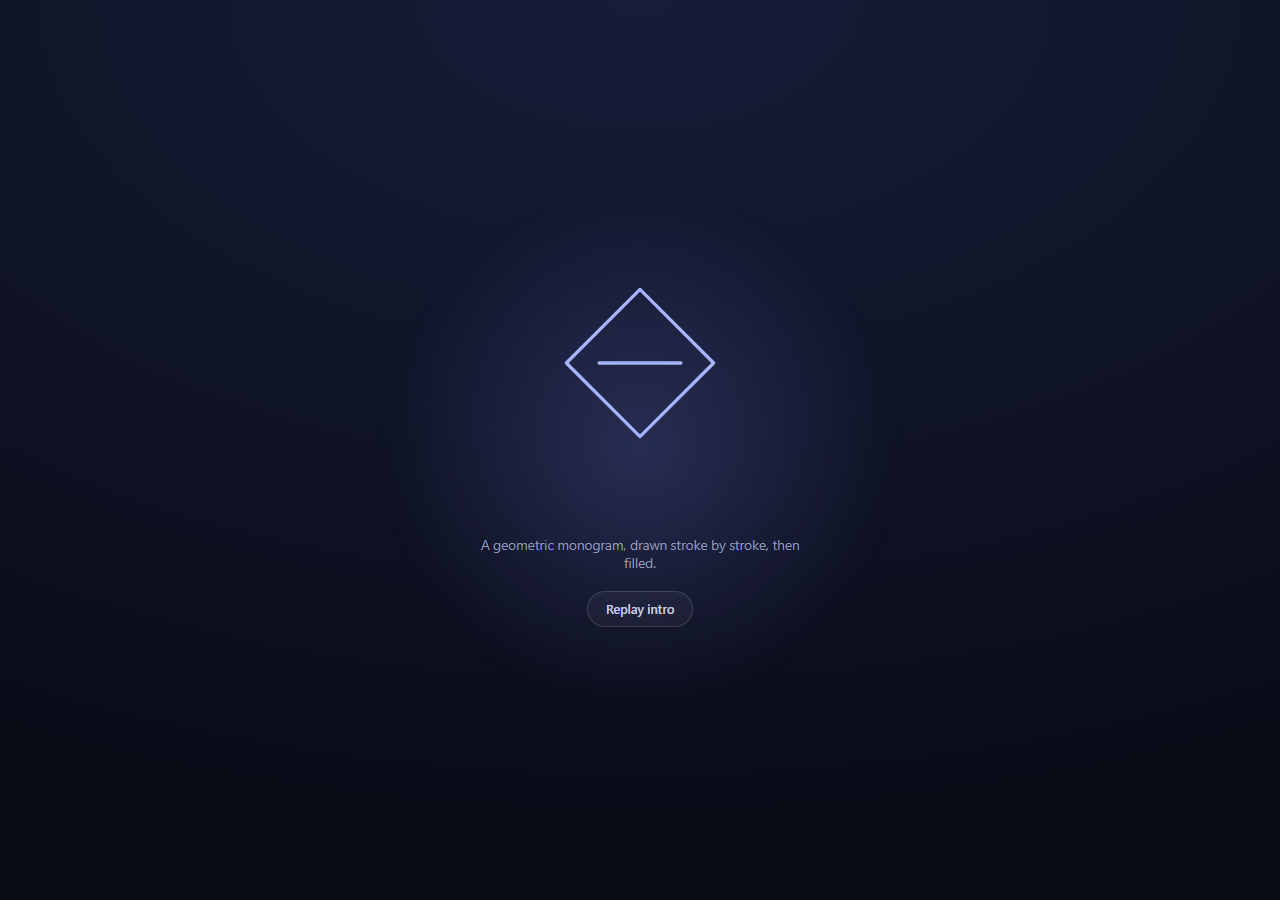
A logo reveal reads as premium when it happens in the right order: the *shape* establishes itself first, stroke by stroke, and only once it's recognizable does *substance* — solid color — fill it in. This snippet builds that two-stage reveal with Snap.svg, reusing the same dash-offset draw technique as an animated line chart, but finishing with a second animation stage the chart doesn't need.
Building a monogram from straight lines only
MONOGRAM_PATH = 'M110,20 L200,110 L110,200 L20,110 Z M60,110 L160,110' describes a diamond (four L commands closed with Z) plus a horizontal crossbar (a second M/L pair). Every command here is a straight line — no curves — which matters for this technique specifically: getTotalLength() and the dash-offset reveal work on *any* path, curved or straight, but a path made purely of lines has a length that's simple to reason about and reveals with a perfectly even, constant-feeling draw speed, since every point along it represents an equal fraction of straight-line distance.
Stage 1 — the outline draws itself
Identical mechanism to a self-drawing chart: strokeDasharray and strokeDashoffset are both set to the path's getTotalLength(), making the stroke start fully invisible, then strokeDashoffset animates down to 0 over 1.4 seconds so the outline appears to trace itself from the top point around to the crossbar.
Stage 2 — the fill fades in, gated by the outline's completion
The interesting new piece is what happens in the .animate() call's completion callback, which only fires after stage 1 finishes:
outline.attr({ fill: '#818cf8', fillOpacity: 0 });
outline.animate({ fillOpacity: 0.85 }, 700, mina.easeout);
fill-opacity is a distinct SVG attribute from the shape's overall opacity — it controls only the interior fill's transparency while leaving the stroke fully opaque. Setting the fill color and fillOpacity: 0 in the same attr() call primes the shape with a color that's present but invisible, so the subsequent animate({ fillOpacity: 0.85 }) has something to fade *to* without a flash of full-opacity color appearing instantly. Because this second animation is triggered from the first one's callback rather than started in parallel, the fill can never begin fading in before the outline has visually finished — which is what makes the sequence read as "outline, then substance" instead of everything happening at once.
Gating the wordmark text on the same sequence
The <h1> wordmark next to the SVG is a plain CSS opacity/transform transition, toggled by adding an .is-in class — but that class is added inside the *same* completion callback, delayed by a further setTimeout. This keeps the DOM-based text animation synchronized with the SVG-based logo animation even though they're driven by two completely different animation systems (Snap.svg tweens vs. CSS transitions).
Replay resets cleanly
draw() calls s.clear() first and removes the .is-in class from the wordmark, so clicking "Replay intro" tears down the previous SVG state and CSS state together before rebuilding both from scratch.
Build with AI
Build, Understand, Optimize, and Extend It With AI
This snippet's structure is a chain of animation callbacks across two different systems (Snap.svg tweens and CSS transitions), so that's the most productive thing to trace with an AI assistant like Claude. Paste the code in and ask it to walk through the full callback chain in order: outline dash-offset animation starts, finishes, triggers the fill-opacity animation AND a delayed CSS class toggle on the wordmark, and ask what would visually break if the fill animation call were moved outside the outline's completion callback (it would start fading in immediately, in parallel with the outline still drawing, undermining the "shape first" effect). Then ask why the monogram path deliberately avoids curves. To extend it: split the diamond and crossbar into two separately-timed strokes, add a second wordmark line that reveals after the first, add a subtle particle or sparkle burst timed to the fill's completion, or rebuild the same two-stage reveal with GSAP's DrawSVG-style plugin and compare the API ergonomics.
Prompt to recreate it
Copy this into your AI assistant of choice to build the effect from scratch, or as a jumping-off point for your own variant:
Build a hero section with a self-drawing SVG monogram logo reveal using Snap.svg (v0.5.1, from a CDN) in plain HTML, CSS, and JavaScript.

Requirements:
- A full-height hero section with a soft ambient radial-gradient glow behind the content, and an inline SVG containing a simple geometric monogram built ONLY from straight-line path commands (M, L, Z \u2014 no curves), such as a diamond outline with a horizontal crossbar through the middle. Do not use any real brand's logo \u2014 invent a simple abstract geometric mark.
- Stage 1: on load, draw the monogram's outline using the classic SVG reveal technique \u2014 measure its length with node.getTotalLength(), set stroke-dasharray and stroke-dashoffset both to that length, then animate stroke-dashoffset down to 0 via Snap's .animate() with a mina easing function over roughly 1.2-1.5 seconds.
- Stage 2: pass a completion callback to that first animate() call. Inside it, set the shape's fill color with fillOpacity: 0, then animate fillOpacity up to a solid value (e.g. 0.85) over about 700ms \u2014 so the fill only starts appearing once the outline has finished tracing, never in parallel with it.
- Alongside the SVG, include a wordmark heading and short subtitle. The wordmark should start invisible (CSS opacity 0 with a slight translateY offset) and transition in via a CSS class toggle (not a Snap.svg animation) that gets added inside the same JavaScript completion callback used for the fill animation, with an extra short delay \u2014 demonstrating how a Snap.svg animation callback can synchronize with an unrelated CSS transition.
- Add a "Replay intro" button that calls the same build/animate function again, first clearing the SVG (s.clear()) and removing the wordmark's revealed CSS class so the whole sequence restarts cleanly from scratch.
- Style it as a dark, premium hero section with generous spacing and a centered layout.
Want to tighten it up first? Run this prompt through the AI Prompt Studio to score it across 8 quality dimensions, catch anti-patterns, and tune the wording for Claude, ChatGPT, or Gemini before you paste it in.
Source Code
<section class="sld-hero">
  <div class="sld-glow"></div>
  <div class="sld-inner">
    <svg id="sldSvg" viewBox="0 0 220 220" width="180" height="180"></svg>
    <h1 class="sld-word">NOVARA</h1>
    <p class="sld-sub">A geometric monogram, drawn stroke by stroke, then filled.</p>
    <button class="sld-replay" id="sldReplay">Replay intro</button>
  </div>
</section>*{box-sizing:border-box;margin:0;padding:0}
body{font-family:system-ui,-apple-system,sans-serif;background:#080a14;color:#fff;min-height:100vh;display:flex;align-items:center;justify-content:center}
.sld-hero{position:relative;width:100%;min-height:100vh;display:flex;align-items:center;justify-content:center;overflow:hidden;background:radial-gradient(120% 100% at 50% 0%,#161d38,#080a14)}
.sld-glow{position:absolute;width:520px;height:520px;border-radius:50%;background:radial-gradient(circle,rgba(129,140,248,.22),transparent 70%);filter:blur(10px);pointer-events:none}
.sld-inner{position:relative;display:flex;flex-direction:column;align-items:center;gap:10px;padding:40px 24px;text-align:center}
.sld-word{font-size:clamp(28px,6vw,42px);font-weight:800;letter-spacing:.12em;margin-top:6px;opacity:0;transform:translateY(8px);transition:opacity .6s ease,transform .6s ease}
.sld-word.is-in{opacity:1;transform:translateY(0)}
.sld-sub{font-size:13.5px;color:#8e97b8;max-width:340px}
.sld-replay{margin-top:10px;padding:9px 18px;border-radius:99px;border:1px solid rgba(255,255,255,.14);background:rgba(255,255,255,.04);color:#c3cbe8;font:600 12.5px system-ui;cursor:pointer;transition:background .18s,border-color .18s,color .18s}
.sld-replay:hover{background:rgba(255,255,255,.09);color:#fff;border-color:#818cf8}var s = Snap('#sldSvg');
// A simple geometric monogram: a diamond outline with a crossbar, built
// entirely from straight-line path commands so getTotalLength() and the
// dash-offset reveal behave predictably.
var MONOGRAM_PATH = 'M110,20 L200,110 L110,200 L20,110 Z M60,110 L160,110';
function draw() {
s.clear();
var word = document.querySelector('.sld-word');
if (word) word.classList.remove('is-in');
var outline = s.path(MONOGRAM_PATH).attr({
stroke: '#a5b4fc',
strokeWidth: 4,
fill: 'none',
strokeLinecap: 'round',
strokeLinejoin: 'round'
});
var len = outline.node.getTotalLength();
outline.attr({ strokeDasharray: len, strokeDashoffset: len });
// Stage 1: the outline draws itself in via the dash-offset technique.
outline.animate({ strokeDashoffset: 0 }, 1400, mina.easeinout, function () {
// Stage 2: once the stroke completes, a fill fades in underneath it
// by animating the SVG fill-opacity attribute from 0 to a solid value \u2014
// a plain numeric attribute, so Snap.svg's tween machinery covers it
// the same way it covers stroke-dashoffset.
outline.attr({ fill: '#818cf8', fillOpacity: 0 });
outline.animate({ fillOpacity: 0.85 }, 700, mina.easeout);
if (word) {
setTimeout(function () { word.classList.add('is-in'); }, 200);
}
});
}
document.getElementById('sldReplay').addEventListener('click', draw);
draw();Step by step
How to Use
- 1Add the Snap.svg CDNInclude snap.svg-min.js from the CDN panel — it attaches a global Snap function.
- 2Paste HTML, CSS, and JSThe hero plays its logo reveal automatically on load.
- 3Watch the outline drawstroke-dashoffset eases the diamond-and-crossbar path in over 1.4s.
- 4Watch the fill fade infill-opacity animates in only after the outline finishes tracing.
- 5Watch the wordmark arriveA CSS transition brings in the text, synced via the same callback chain.
- 6Replace the monogramSwap MONOGRAM_PATH for your own straight-line SVG path data.
Real-world uses
Common Use Cases
Got questions?
Frequently Asked Questions
The dash-offset draw technique works on curves too, but a path made purely of M/L/Z commands has a length that is simple straight-line distance, so the reveal traces at an even, predictable speed across the whole shape rather than seeming to speed up or slow down through curved sections.
fill-opacity controls only the transparency of the shape\u2019s interior fill, leaving its stroke fully opaque. The overall opacity attribute would fade the stroke and fill together. Using fillOpacity lets the outline stay crisp while only the interior fades in.
Snap.svg\u2019s .animate() accepts a completion callback as its fourth argument, which only fires once that animation finishes. Starting the fill fade there guarantees the fill never begins appearing until the outline has visually finished tracing, preserving the "shape first, then substance" sequence.
The wordmark\u2019s .is-in class (which triggers its CSS opacity/transform transition) is added inside the same JavaScript callback that starts the fill animation, with an additional short setTimeout delay \u2014 so a Snap.svg tween and a CSS transition, two unrelated animation systems, are chained through one shared callback.
draw() is reused as the replay handler. Clearing the SVG and resetting the wordmark\u2019s class ensures each replay starts from the same blank state as the initial page load, rather than animating on top of an already-revealed logo.
Split MONOGRAM_PATH into two separate Snap.svg path elements (one for the diamond, one for the crossbar), give each its own getTotalLength()/dashoffset setup, and chain the crossbar\u2019s animation to start in the diamond\u2019s completion callback for a deliberate two-part outline sequence.