You Might Also Like
Learn Coding Visually
Learn to code with interactive, live-preview playgrounds — HTML, CSS, JavaScript, React & more.
 HTML Playground42 lessons · Click-based · Live preview
 CSS PlaygroundLearn CSS with a live editor
 JavaScript Playground60 lessons · DOM · Async · Canvas
 React PlaygroundLearn React with a live code editor
 GSAP PlaygroundLearn GSAP animation interactively
 SVG Playground44 lessons · shapes · paths · animation
 SCSS Playground45 lessons · Sass modules · tokens
 Tailwind PlaygroundLearn Tailwind CSS with a live editor
 Bootstrap 5 Playground50 lessons · live preview
WebGL Gradient Shader Background — Free Raw GLSL Animated Gradient
WebGL Gradient Shader Background · Animations · Plain HTML, CSS & JS · Live preview
What's included
Features
About this UI Snippet
WebGL Gradient Shader Background — Raw GLSL, No Library
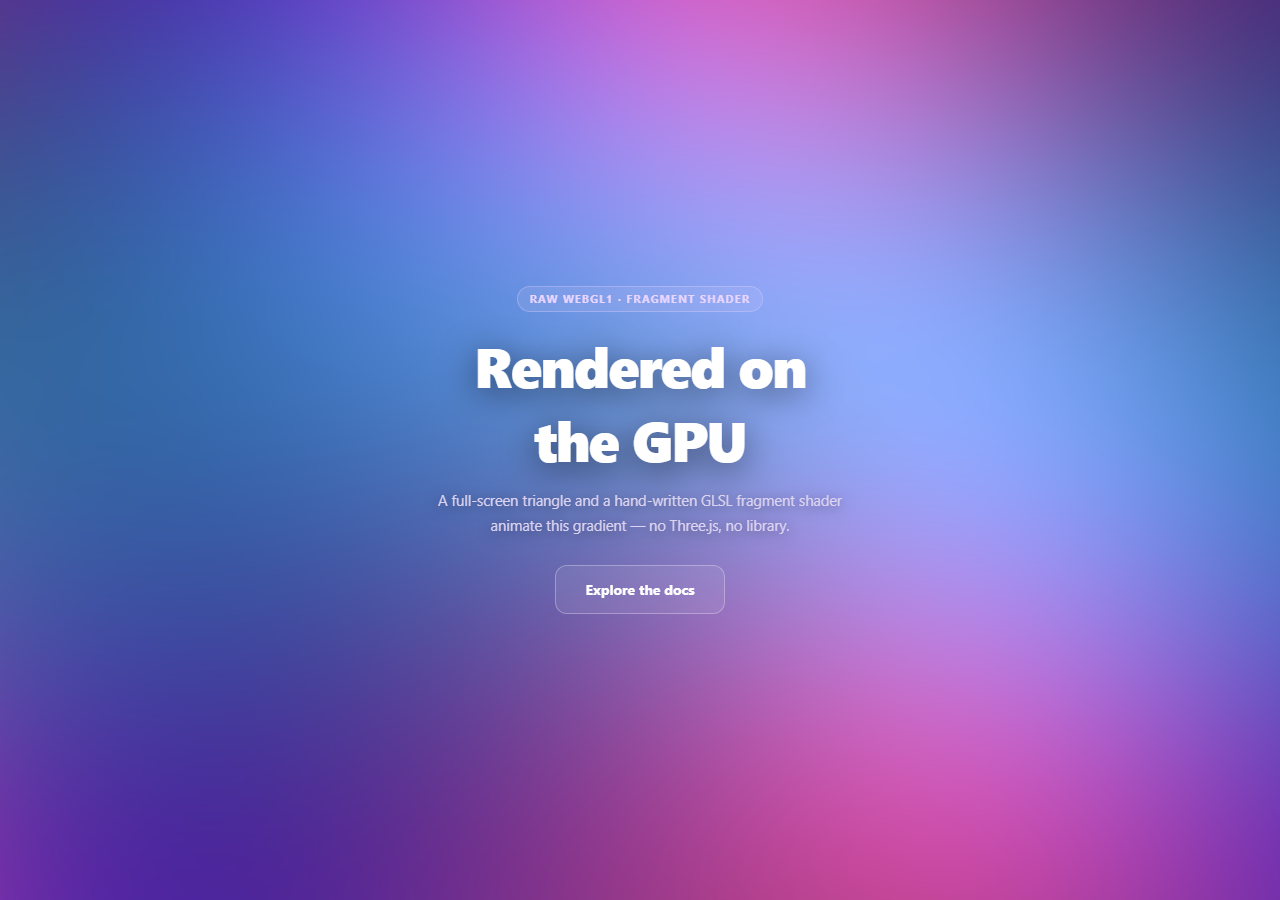
Almost every WebGL background on the web goes through Three.js or a similar engine. This snippet is the layer beneath that: the minimal, correct boilerplate to compile a vertex and fragment shader, bind a full-screen triangle, and run an animated GLSL gradient directly against the raw WebGL1 API — useful both as a lightweight background effect and as a reference for what a library like Three.js is actually doing under the hood.
A triangle, not a quad
Most tutorials draw a full-screen effect with two triangles forming a quad. This snippet uses one triangle with vertices at (-1,-1), (3,-1), and (-1,3) — coordinates that extend well past the [-1, 1] clip-space boundary. The GPU clips the oversized triangle down to exactly the viewport rectangle, so the visible result is identical to a quad, but it's a single draw call of three vertices with no shared diagonal edge to rasterize twice. It's a standard low-level trick precisely because it's marginally cheaper with zero downside.
All the visuals live in the fragment shader
The vertex shader does almost nothing — it just passes each triangle vertex straight through to gl_Position. Every pixel of color comes from the fragment shader, which runs once per pixel and receives gl_FragCoord, the pixel's screen coordinate. Dividing that by a u_resolution uniform normalizes it to a 0-1 UV space, and remapping to -1..1 and correcting for aspect ratio (p.x *= u_resolution.x / u_resolution.y) keeps the pattern from stretching on non-square viewports.
A modest animated field, not full noise
Rather than a full simplex or Perlin noise implementation, the fragment shader combines a handful of offset sin/cos terms at different frequencies and phase speeds — driven by a single u_time uniform — and blends three colors with mix() based on those wave values. It's the GLSL equivalent of the layered-sine technique used elsewhere in this library (see aurora background), just running per-pixel on the GPU instead of per-shape on a 2D canvas.
Compiling and linking, explicitly
compileShader() creates a shader object, sets its source, compiles it, and checks gl.getShaderParameter(shader, gl.COMPILE_STATUS) — a step it's easy to skip and then debug blind when nothing renders. The two compiled shaders are attached to a program, linked, and checked again with gl.getProgramParameter(..., gl.LINK_STATUS). Both checks log the real GLSL compiler error to the console, which is the only way to actually debug a broken shader.
Uniforms updated every frame, and a real fallback
Each frame, u_time (elapsed seconds since start) and u_resolution (current canvas size in device pixels) are pushed to the GPU before gl.drawArrays. If canvas.getContext('webgl') returns null — WebGL disabled or unsupported — the canvas is hidden and a static CSS radial-gradient takes its place, so the section never renders blank. It also honors prefers-reduced-motion, rendering one pleasant static frame instead of animating. Pair it with gradient mesh hero for a comparison against a 2D-canvas approach to the same aesthetic, or with three particle wave to see the same GPU ideas through a library.
Build with AI
Build, Understand, Optimize, and Extend It With AI
Paste this snippet's HTML, CSS, and JS into an AI coding assistant like Claude and ask it to walk through the full WebGL pipeline this code sets up — from compiling the vertex and fragment shaders, to linking them into a program, to how the single oversized triangle ends up filling exactly the viewport after GPU clipping. It's also a good way to build shader intuition: ask it to predict what changing p.x *= u_resolution.x / u_resolution.y to a fixed constant would do to the pattern on a very wide viewport, or how the visual would change if wave2 used tan() instead of cos(). For extensions, ask it to add a fourth wave term driven by mouse position (passed in as a new uniform updated on mousemove), swap the fixed three-color palette for uniforms so colors can be controlled from JavaScript, or add a subtle vignette by darkening the color based on distance from the UV center. It can also help you compare this raw-WebGL approach against doing the same gradient in Three.js with a ShaderMaterial, and explain what boilerplate a library like that saves you. Treat the code less like a finished artifact and more like a starting point for a conversation.
Prompt to recreate it
Copy this into your AI assistant of choice to build the effect from scratch, or as a jumping-off point for your own variant:
Build a "WebGL gradient shader background" in plain HTML, CSS, and JavaScript using raw WebGL1 (via canvas.getContext('webgl')) — no Three.js, no shader library, no external dependencies of any kind.

Requirements:
- Write the full manual WebGL boilerplate: compile a minimal vertex shader (an attribute vec2 a_position passed straight through to gl_Position with z=0, w=1) and a fragment shader, using a helper function that creates each shader, sets its source, compiles it, and explicitly checks gl.getShaderParameter(shader, gl.COMPILE_STATUS), logging gl.getShaderInfoLog(shader) to the console on failure. Attach both shaders to a program, link it, and check gl.getProgramParameter(program, gl.LINK_STATUS) the same way.
- Render a full-screen effect using a single triangle whose three vertices lie outside the -1 to 1 clip-space range (e.g. (-1,-1), (3,-1), (-1,3)) rather than two triangles forming a quad, uploaded via a single ARRAY_BUFFER and bound to the position attribute with gl.vertexAttribPointer.
- In the fragment shader (precision mediump float), declare uniform vec2 u_resolution and uniform float u_time. Normalize gl_FragCoord.xy by u_resolution to get a UV coordinate, remap it to a roughly -1..1 range, and correct for aspect ratio using the resolution's width/height ratio. Compute an animated gradient by combining at least 3 sine/cosine terms at different frequencies and phase offsets (all driven by u_time) and mix() between at least three base colors according to those wave values — keep the shader modest (no full noise function required, sine/cosine combinations are enough) but make sure it is syntactically correct GLSL that will actually compile.
- In JavaScript, look up and cache the uniform locations for u_resolution and u_time once after linking, then inside a requestAnimationFrame loop, update both uniforms every frame (time as elapsed seconds since start, resolution as the canvas's current pixel dimensions) and call gl.drawArrays(gl.TRIANGLES, 0, 3) to render.
- Handle canvas sizing based on devicePixelRatio (capped at 2) and call gl.viewport whenever the size changes (including on window resize). If canvas.getContext('webgl') (with an 'experimental-webgl' fallback) returns null, hide the canvas and apply a static CSS gradient to the wrapper instead so the page never shows a blank section. Also check prefers-reduced-motion and render a single static frame rather than looping if it is set.
Want to tighten it up first? Run this prompt through the AI Prompt Studio to score it across 8 quality dimensions, catch anti-patterns, and tune the wording for Claude, ChatGPT, or Gemini before you paste it in.
Step by step
How to Use
- 1Paste HTML, CSS, and JSThe gradient compiles and starts animating immediately on load.
- 2Resize the windowThe canvas and viewport rescale for devicePixelRatio.
- 3Open devtools consoleAny GLSL syntax error would log a real compiler message here.
- 4Enable reduced motionA single static frame renders instead of a perpetual loop.
- 5Edit the fragment shaderChange colorA/B/C or the wave frequencies for a new palette/pace.
- 6Test WebGL failureForce gl to null to see the plain-CSS gradient fallback.
Real-world uses
Common Use Cases
Got questions?
Frequently Asked Questions
The single triangle uses vertices positioned well outside the -1 to 1 clip-space range (at (-1,-1), (3,-1) and (-1,3)), so the GPU's clipping stage trims it down to exactly the viewport rectangle — visually identical to a quad. It requires only one draw call of three vertices and avoids the extra shared diagonal edge a two-triangle quad has to rasterize, which is a standard, low-cost optimization for full-screen shader passes.
u_resolution holds the canvas's current size in device pixels and is used to convert each pixel's gl_FragCoord into a normalized 0-1 UV coordinate (and to correct for aspect ratio so the pattern doesn't stretch). u_time holds the elapsed seconds since the page loaded and is what drives every sin/cos term in the fragment shader, so the gradient animates continuously — both uniforms are re-sent to the GPU every frame before the draw call.
WebGL does not throw JavaScript exceptions when a shader fails to compile or a program fails to link — it fails silently and the canvas just renders nothing (or garbage) with no error in the normal sense. Explicitly checking COMPILE_STATUS and LINK_STATUS and logging gl.getShaderInfoLog / gl.getProgramInfoLog is the only way to see the actual GLSL compiler error message, which is essential for debugging a shader that isn't rendering.
canvas.getContext('webgl') (with an 'experimental-webgl' fallback for older browsers) returns null if WebGL cannot be created. The code checks for that explicitly, hides the canvas, and applies a static CSS radial-gradient to the wrapper instead, so the section still looks like an intentional, finished background rather than an empty box.
Move the context creation, shader compilation, program linking, and buffer setup into a mount effect referencing the canvas via a ref, store the requestAnimationFrame id, and cancel it along with removing the resize listener in the cleanup function. Because WebGL resources (buffers, shaders, the program) are tied to the specific GL context, avoid recreating them on every re-render — set them up once and only update uniforms per frame.