You Might Also Like
Learn Coding Visually
Learn to code with interactive, live-preview playgrounds — HTML, CSS, JavaScript, React & more.
 HTML Playground42 lessons · Click-based · Live preview
 CSS PlaygroundLearn CSS with a live editor
 JavaScript Playground60 lessons · DOM · Async · Canvas
 React PlaygroundLearn React with a live code editor
 GSAP PlaygroundLearn GSAP animation interactively
 SVG Playground44 lessons · shapes · paths · animation
 SCSS Playground45 lessons · Sass modules · tokens
 Tailwind PlaygroundLearn Tailwind CSS with a live editor
 Bootstrap 5 Playground50 lessons · live preview
Canvas Star Trail Cursor — Free Twinkling Pointer Trail Effect
Canvas Star Trail Cursor · Animations · Plain HTML, CSS & JS · Live preview
What's included
Features
About this UI Snippet
Canvas Star Trail Cursor — Twinkling Stars That Follow the Pointer
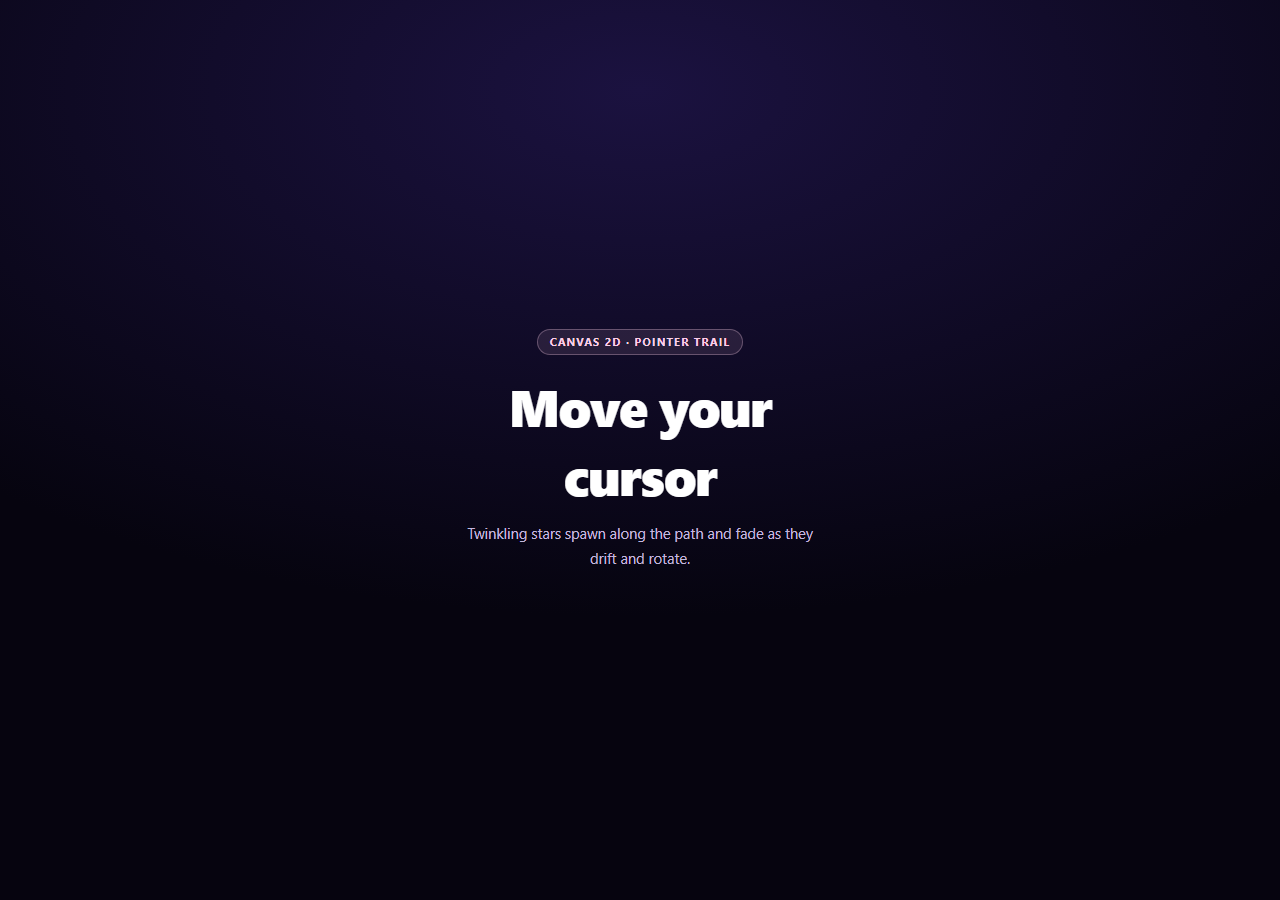
A trailing cursor effect lives or dies on how it handles gaps: move the mouse quickly and a naive "spawn one particle per mousemove event" approach leaves visible holes in the trail, because the browser simply doesn't fire enough events to keep up. This snippet's whole design centers on filling that gap while keeping every star visually independent — different size, rotation, spin, twinkle rhythm, and fade rate.
Interpolating between mousemove events
pointerMove() doesn't just spawn a star at the current cursor position — it compares the current point to last, measures the distance, and spawns one star roughly every 14px along that segment (capped at 4 per event). That interpolation is what keeps the trail continuous during a fast swipe instead of a sparse dotted line with gaps where the browser skipped reporting positions.
Drawing an n-pointed star with one function
drawStar() builds a star polygon by alternating between an outer radius and a smaller inner radius as it walks around the circle in even angular steps — the same construction produces a 4-pointed sparkle or a 5-pointed star just by changing points and the inner/outer ratio. ctx.rotate() is applied per-star from a translated origin, so each star spins around its own center independently rather than orbiting the canvas origin.
Twinkle as a second, faster oscillation
Each star's twinklePhase advances independently every frame, and ctx.globalAlpha blends the star's fading life value with a 0.5 + sin(twinklePhase) * 0.5 term — so on top of the slow overall fade-out, every star also pulses in brightness at its own rate. Combined with ctx.shadowBlur for a soft glow, that's what turns flat polygons into something that reads as sparkling light.
Bounded, allocation-light array management
Stars are removed with splice once their life reaches zero, and a hard MAX_STARS cap trims the oldest entries if the array somehow grows past it (e.g. during an unusually fast, sustained swipe) — so frame time stays predictable no matter how energetically someone waves the cursor around. Pair this with a custom cursor replacement for the pointer itself, or a particle network background for a denser ambient version of the same idea.
Build with AI
Build, Understand, Optimize, and Extend It With AI
Paste this snippet's HTML, CSS, and JS into an AI coding assistant like Claude and ask it to explain why pointerMove() interpolates spawn points between the last and current cursor position instead of spawning exactly one star per mousemove event, and how that relates to the browser's actual mousemove firing rate during fast pointer movement. It's also a good example for understanding canvas transforms — ask why ctx.translate and ctx.rotate are applied inside a save/restore pair for each star rather than computing rotated coordinates by hand, and how that lets each star spin around its own center independent of the others. For extensions, ask it to add a secondary particle type that occasionally spawns alongside the stars (a small comet streak, for instance), make star color respond to velocity (faster movement produces brighter or larger stars), or add a "shooting star" burst on click that launches several stars outward from the click point with real velocity and gravity. Treat the code less like a finished artifact and more like a starting point for a conversation.
Prompt to recreate it
Copy this into your AI assistant of choice to build the effect from scratch, or as a jumping-off point for your own variant:
Build a "canvas star trail cursor" effect in plain HTML, CSS, and JavaScript using only the Canvas 2D API — small twinkling stars that spawn along the mouse's path and fade out, no libraries.

Requirements:
- A full-bleed canvas positioned absolutely over page content with pointer-events: none, so the trail is purely visual and never blocks interaction with anything underneath it.
- On mousemove (and the touch equivalent via touchmove), do not spawn only one star at the raw event position. Instead, measure the distance from the previously recorded pointer position to the current one and spawn multiple interpolated stars evenly along that segment (roughly one every 10-15 pixels, capped at a handful per event) so the trail stays visually continuous even during a fast swipe where mousemove events are sparse.
- Write a single star-drawing function that builds an n-pointed star polygon by alternating between an outer radius and a smaller inner radius while stepping evenly around a circle, parameterized so it can draw both 4-pointed and 5-pointed stars from the same code, randomly choosing between the two per spawned star.
- Give each star independent randomized properties: size, rotation angle, a slow per-frame spin rate, a fade-out life value with its own random decay rate, a small random drift velocity, and a twinklePhase that advances every frame and is combined with the fade value (via a sine wave) to produce a pulsing brightness independent of the overall fade — apply this via ctx.globalAlpha, and add a soft glow with ctx.shadowBlur/ctx.shadowColor.
- Use ctx.save()/ctx.translate()/ctx.rotate()/ctx.restore() around each star's draw call so it rotates around its own center rather than the canvas origin, remove stars from the array once their life reaches zero, and enforce a hard maximum star count that trims the oldest entries if exceeded, so performance stays stable during sustained fast cursor movement.
- Style it as a dark, dreamy full-viewport background with centered hero text explaining to move the cursor, using a soft pastel star color palette.
Want to tighten it up first? Run this prompt through the AI Prompt Studio to score it across 8 quality dimensions, catch anti-patterns, and tune the wording for Claude, ChatGPT, or Gemini before you paste it in.
Step by step
How to Use
- 1Paste HTML, CSS, and JSThe canvas sits above the content with pointer-events: none.
- 2Move the mouseStars spawn along the path, spinning and twinkling as they fade.
- 3Swipe quicklyInterpolated spawn points keep the trail continuous, not dotted.
- 4Try touchtouchmove drives the same spawn logic on mobile.
- 5Watch the capMAX_STARS trims the oldest stars during a sustained fast swipe.
- 6Tune the lookChange COLORS, size range, decay rate, or points ratio.
Real-world uses
Common Use Cases
Got questions?
Frequently Asked Questions
pointerMove() measures the distance between the current cursor position and the last recorded one, and spawns multiple interpolated stars along that segment (roughly one every 14 pixels, capped at 4 per event) instead of only one star per mousemove callback. Browsers fire mousemove at a limited rate, so during a fast swipe the raw event positions can be far apart; interpolating between them is what prevents visible gaps in the trail.
drawStar() builds a star polygon by alternating between an outer radius and a smaller inner radius while stepping evenly around a full circle, with the step size and point count both driven by the star's points property. Changing points from 4 to 5 (and adjusting the inner-radius ratio slightly for each) is the only difference between the two shapes — the drawing loop itself is identical.
Each star tracks its own twinklePhase, advanced by a fixed amount every frame, and the rendered alpha blends the star's overall fading life value with 0.5 + Math.sin(twinklePhase) * 0.5. That sine term oscillates faster than the life value decays, so every star pulses brighter and dimmer on top of its slower long-term fade-out, and because each star's phase starts at a random value, the pulses across all visible stars are never synchronized.
Stars are already removed once their life value reaches zero, but a sustained fast swipe could still spawn stars faster than they naturally expire. MAX_STARS acts as a hard backstop — if the array somehow exceeds that count, the oldest entries are trimmed immediately — so the number of stars drawn and updated per frame stays bounded and frame time stays predictable regardless of how energetically someone moves the cursor.
Attach the mousemove/touchmove listeners and start the requestAnimationFrame loop inside a mount effect, referencing the canvas via a ref rather than a global querySelector. Store the animation frame id so you can cancelAnimationFrame it in the cleanup function, and remove the pointer listeners there too, so navigating away from the page doesn't leave a dangling animation loop running.