You Might Also Like
Learn Coding Visually
Learn to code with interactive, live-preview playgrounds — HTML, CSS, JavaScript, React & more.
 HTML Playground42 lessons · Click-based · Live preview
 CSS PlaygroundLearn CSS with a live editor
 JavaScript Playground60 lessons · DOM · Async · Canvas
 React PlaygroundLearn React with a live code editor
 GSAP PlaygroundLearn GSAP animation interactively
 SVG Playground44 lessons · shapes · paths · animation
 SCSS Playground45 lessons · Sass modules · tokens
 Tailwind PlaygroundLearn Tailwind CSS with a live editor
 Bootstrap 5 Playground50 lessons · live preview
Sticky CTA Footer — Free HTML CSS JS Scroll Reveal Bar
Sticky CTA Footer · Footers · Plain HTML, CSS & JS · Live preview
What's included
Features
About this UI Snippet
Sticky CTA Footer — A Scroll-Triggered Conversion Bar
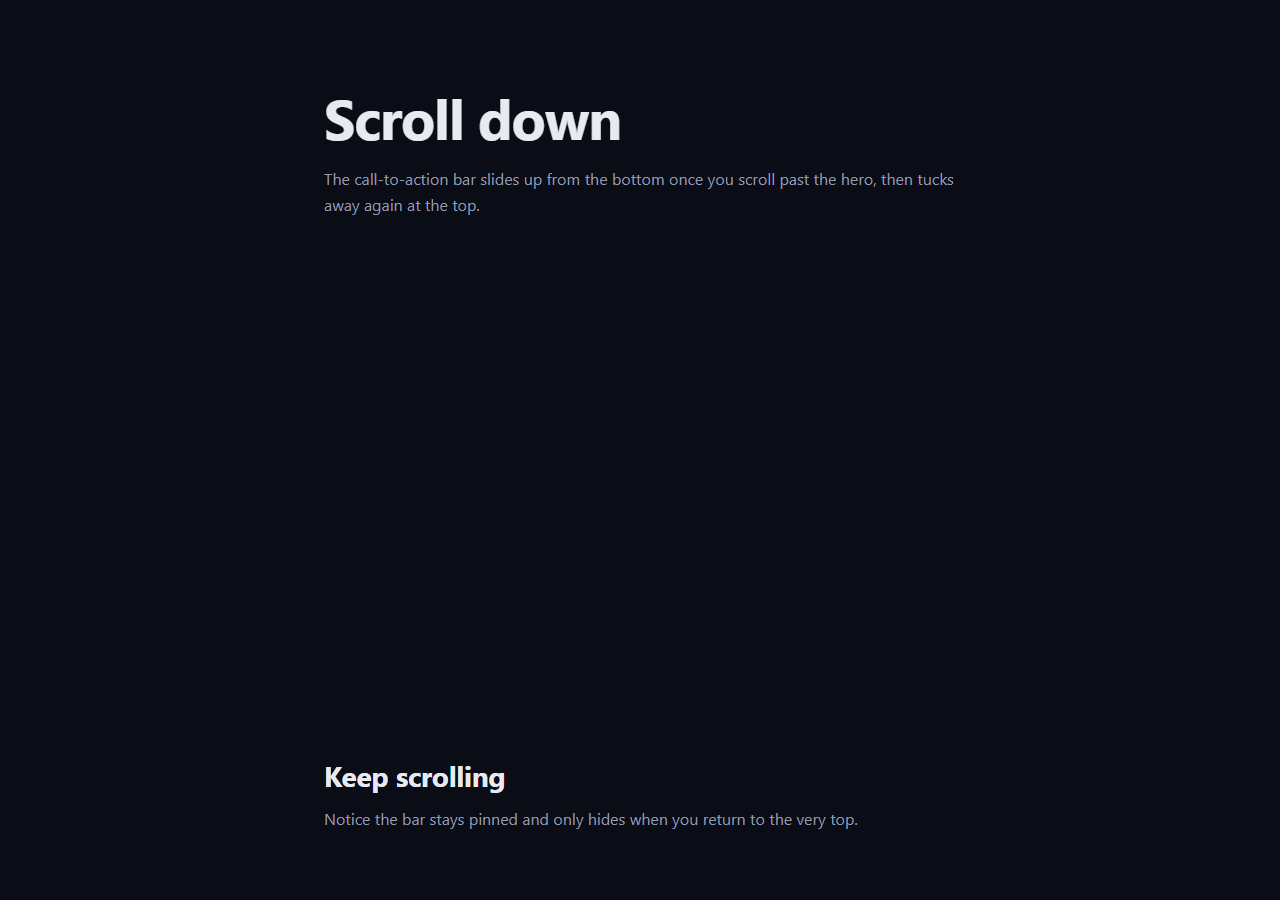
The sticky CTA footer is the floating call-to-action bar that slides up from the bottom of the page once a visitor has scrolled past the hero — a high-converting, low-friction way to keep your primary action in reach without a blocking popup. This snippet builds it with plain HTML, a glassy CSS bar, and a small rAF-throttled scroll handler.
Reveal after a scroll threshold
The bar starts off-screen, translated down past the bottom edge and at opacity: 0. A scroll handler adds an is-shown class once window.scrollY passes a threshold (about 320px, roughly past the hero), which animates the bar up into view. Hiding it again above the threshold means it tucks away at the very top of the page — so the hero is never covered, and the CTA only appears once the visitor has engaged enough to scroll.
Performance: throttling with requestAnimationFrame
Scroll events fire rapidly, so doing layout work on each one causes jank. The handler is throttled with a ticking flag and requestAnimationFrame: when a scroll fires, it schedules at most one update per frame and ignores further events until that frame runs. This is the standard pattern for cheap, smooth scroll-driven UI — the toggle never runs more than ~60 times a second regardless of how fast the user scrolls.
Smooth slide with a single transform
The show/hide is a pure CSS transition on transform (a translate from off-screen to resting) plus opacity, with an ease-out cubic-bezier so the bar glides in and settles. Animating only transform and opacity keeps the motion on the compositor and jank-free. The bar uses backdrop-filter: blur over a translucent background for a modern glass look that sits well over any content scrolling behind it.
Dismissable, and it stays dismissed
A "Maybe later" button sets a dismissed flag and adds an is-dismissed class that slides the bar away and disables its pointer events; the scroll handler then early-returns so it never reappears for the rest of the session. Respecting a dismissal is what separates a helpful sticky CTA from an annoying one — in production you'd persist the flag to localStorage so it stays hidden across visits.
Responsive content
The bar holds a headline, a supporting line, and two actions. On narrow screens a media query drops the secondary text and the ghost button so the primary action always fits, and the supporting line truncates with an ellipsis rather than wrapping. This keeps the bar a single tidy row at every width.
Customizing it
Change the scroll threshold, the bar copy, or the gradient on the primary button; persist the dismissal to storage; or trigger the reveal from an IntersectionObserver on the hero instead of a pixel value. Pair it with an announcement bar at the top, an exit intent popup, or a cookie banner.
Build with AI
Build, Understand, Optimize, and Extend It With AI
You don't have to reason through the throttling logic on your own. Paste this snippet's HTML, CSS, and JS into an AI coding assistant like Claude and ask it to explain exactly how the ticking flag combined with requestAnimationFrame guarantees at most one update per frame regardless of how many scroll events fire, and why SHOW_AFTER is compared against window.scrollY rather than an IntersectionObserver on the hero. The same assistant can help optimize it — for instance whether reading scrollHeight or other layout properties inside the handler would reintroduce jank, or whether the threshold should scale with viewport height instead of a fixed pixel value. It's also useful for extending the bar: ask it to persist the dismissed flag to localStorage so it stays hidden across visits, add a slide-out auto-hide after a timeout, or swap the scroll threshold for an IntersectionObserver watching the hero section. Treat the code less like a finished artifact and more like a starting point for a conversation.
Prompt to recreate it
Copy this into your AI assistant of choice to build the effect from scratch, or as a jumping-off point for your own variant:
Build a scroll-triggered "sticky CTA footer" bar in plain HTML, CSS, and JavaScript using a throttled scroll listener — no IntersectionObserver, no animation library.

Requirements:
- A floating bar fixed near the bottom of the viewport, centered horizontally, starting fully hidden via a translate transform that pushes it below the viewport plus opacity 0.
- An is-shown class that animates the bar to its resting translate position and opacity 1 using a CSS transition with an ease-out cubic-bezier curve, and a separate is-dismissed class that pushes it back down and disables pointer-events.
- A single numeric threshold constant (e.g. a SHOW_AFTER pixel value) that controls how far the user must scroll before the bar appears; the bar must add is-shown only once window.scrollY exceeds that value and remove it when scrolling back above the threshold.
- The scroll event handler itself must not do any layout work directly — instead it should set a boolean ticking flag, schedule the actual class-toggle logic inside a requestAnimationFrame callback, and reset the flag when that callback runs, so the toggle logic executes at most once per animation frame no matter how many native scroll events fire in between.
- A dismiss button that sets a dismissed flag, forces the bar into its is-dismissed state, and makes the scroll handler's update function return immediately for the rest of the session whenever that flag is set.
- On narrow viewports, use a media query to drop secondary text and a secondary button so only the primary call-to-action remains visible in the bar.
Want to tighten it up first? Run this prompt through the AI Prompt Studio to score it across 8 quality dimensions, catch anti-patterns, and tune the wording for Claude, ChatGPT, or Gemini before you paste it in.
Step by step
How to Use
- 1Paste HTML, CSS, and JSA tall page renders with no bar visible.
- 2Scroll downPast the hero, the CTA bar slides up.
- 3Scroll back to topThe bar tucks away again.
- 4Click Maybe laterThe bar dismisses and stays hidden.
- 5Tune the thresholdChange SHOW_AFTER for an earlier or later reveal.
- 6Edit the copySwap the headline and button labels.
Real-world uses
Common Use Cases
Got questions?
Frequently Asked Questions
It starts off-screen and at opacity 0. A scroll handler adds the is-shown class once window.scrollY passes a threshold of about 320px — roughly past the hero — and removes it above the threshold so the bar tucks away at the very top. The CTA only shows once the visitor has scrolled enough to engage.
Scroll events fire many times a second, and doing work on each causes jank. A ticking flag with requestAnimationFrame schedules at most one update per frame and ignores further events until it runs, so the toggle never executes more than about 60 times a second no matter how fast the user scrolls. This is the standard pattern for smooth scroll-driven UI.
Yes. Maybe later sets a dismissed flag and adds an is-dismissed class that slides the bar away and disables its pointer events, and the scroll handler early-returns while dismissed so it never reappears for the session. To persist it across visits, store the flag in localStorage and check it on load.
The show and hide are a single CSS transition on transform and opacity with an ease-out cubic-bezier, so the bar glides in and settles. Animating only transform and opacity keeps the motion on the GPU compositor and avoids layout work, so it stays smooth even while the page scrolls behind it.
Keep shown and dismissed in state. Add a throttled scroll listener in a mount effect (and remove it on cleanup) that sets shown from scrollY, and render the is-shown/is-dismissed classes from state. Persist dismissed to localStorage in the click handler. The transform and glass CSS port unchanged; in Tailwind use translate and backdrop-blur utilities.