You Might Also Like
Learn Coding Visually
Learn to code with interactive, live-preview playgrounds — HTML, CSS, JavaScript, React & more.
 HTML Playground42 lessons · Click-based · Live preview
 CSS PlaygroundLearn CSS with a live editor
 JavaScript Playground60 lessons · DOM · Async · Canvas
 React PlaygroundLearn React with a live code editor
 GSAP PlaygroundLearn GSAP animation interactively
 SVG Playground44 lessons · shapes · paths · animation
 SCSS Playground45 lessons · Sass modules · tokens
 Tailwind PlaygroundLearn Tailwind CSS with a live editor
 Bootstrap 5 Playground50 lessons · live preview
Scroll Comic Panel Sequence — Free GSAP ScrollTrigger Panel-by-Panel Reveal
Scroll Comic Panel Sequence · Scroll · Plain HTML, CSS & JS · Live preview
What's included
Features
About this UI Snippet
Scroll Comic Panel Sequence — A Comic Strip Told One Panel per Scroll
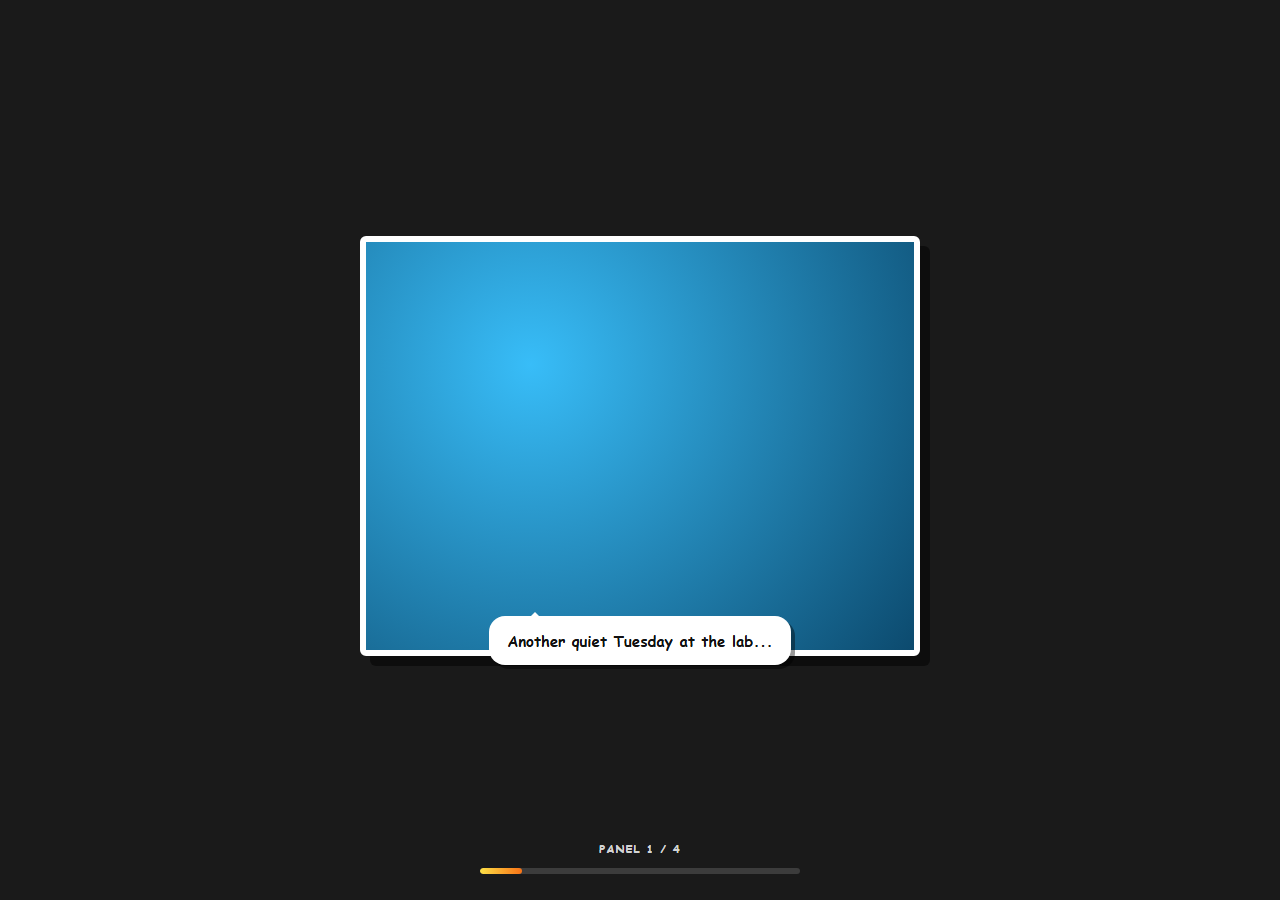
Digital comics and scroll-driven brand stories both lean on the same beat: pin the reader in place, then turn each "page" with scroll instead of a click. This snippet builds that panel-by-panel reveal with GSAP and ScrollTrigger — one pinned section, four stacked panels, each with its own small entrance animation for the artwork and speech bubble.
One pin owns the scroll distance, per-panel triggers own the swap
A single master ScrollTrigger with pin: true locks #cmpPin in place for a fixed distance (getPinnedDistance(), sized to the panel count) and reports overall progress to the fill bar via onUpdate. Separately, each panel gets its own ScrollTrigger covering an equal slice of that same pinned distance — dividing responsibility cleanly: the master trigger only pins and measures progress, while the per-panel triggers only decide which panel is visible and when to replay its entrance.
Panels stack absolutely; only one is ever visible
All four .cmp-panel elements sit at position: absolute; inset: 0 inside .cmp-frame, so they occupy the exact same space and swapping between them is just toggling an is-visible class — no layout shift, no cross-fade coordination between panel positions, just a clean cut like a real page turn.
Each panel replays its own timeline, not a shared one
Every panel builds its own paused gsap.timeline() in the setup loop — a back.out(1.6) scale-and-rotate-in for the artwork frame, followed by a back.out(2) pop-in for the speech bubble, overlapped slightly with "-=0.15". onEnter and onEnterBack both call tl.restart(), so every time a panel becomes active — scrolling forward into it, or scrolling backward into it — its entrance plays again from the top, giving the comic a "just turned to this page" feel in both directions instead of just fading a static frame in.
A slight tilt makes hand-drawn panels feel less mechanical
Even-indexed panels rotate in from -2deg and odd-indexed ones from 2deg before settling at 0, a tiny detail that keeps four otherwise-identical entrance timelines from feeling like the exact same animation repeated — closer to how panels are actually laid slightly askew on a hand-inked page.
A refresh-safe reset
ScrollTrigger.addEventListener('refreshInit', ...) clears every panel but the first back to hidden whenever ScrollTrigger recalculates (e.g. on window resize), preventing a stale is-visible state left over from a previous scroll position from making two panels appear stacked and visible at once after a layout change.
Customizing it
Add a fifth [data-panel] block and the per-panel trigger loop divides the pinned distance evenly among however many panels exist — no distance math to hand-tune. Swap the CSS gradients for real illustrated frames, or replace the speech-bubble copy with narration captions for a less "comic," more "storyboard" feel. Pair with a scroll horizontal story track if panels should pan sideways instead of pinning in place.
Build with AI
Build, Understand, Optimize, and Extend It With AI
Paste this snippet's HTML, CSS, and JS into an AI coding assistant like Claude and ask it to explain exactly how the master pin trigger and the per-panel triggers divide responsibility — one measuring overall scroll progress and pinning the section, the others deciding which panel is visible and replaying its own timeline — and why that separation makes it easy to add or remove panels without recalculating distances by hand. The same assistant can help extend the effect: ask it to add a sound-effect-style animated word (like "BOOM") that pops in on a specific panel, make panel art draggable/zoomable like a real comic reader, or convert the vertical pin into a horizontal panel-swipe interaction. Treat the code as a working starting point for your own scroll-driven visual narrative.
Prompt to recreate it
Copy this into your AI assistant of choice to build the effect from scratch, or as a jumping-off point for your own variant:
Build a "scroll comic panel sequence" in plain HTML, CSS, and JavaScript using GSAP with its ScrollTrigger plugin, loaded from a CDN with no bundler.

Requirements:
- A pinned full-viewport section containing several absolutely-positioned panels stacked on top of each other (each with an illustrated frame area and a speech-bubble caption), preceded by an intro section and followed by an outro section.
- Create one master ScrollTrigger on the pinned section with pin: true covering a total scroll distance proportional to the number of panels, and use its onUpdate callback to drive a progress bar and a "panel X of N" counter label.
- Create a separate ScrollTrigger for every individual panel, each covering an equal fractional slice of the same total pinned distance (panel index i owning the range from i/total to (i+1)/total), so that adding or removing panels automatically redivides the distance with no manual recalculation.
- Each panel should start hidden except the first, and its ScrollTrigger's onEnter and onEnterBack callbacks should both toggle a "visible" class exclusively on that panel (hiding all others) and restart that panel's own GSAP timeline from the beginning, so every panel replays its entrance animation fresh both when scrolling forward into it and when scrolling backward into it.
- Give each panel its own paused GSAP timeline animating its artwork frame in with a back-style overshoot easing (scale and a slight rotation, alternating rotation direction between even and odd panels) followed by a slightly overlapping pop-in animation for its speech bubble.
- Add a listener for ScrollTrigger's refresh/refreshInit event that resets every panel except the first back to hidden, so a window resize recalculation never leaves more than one panel visible at once.
Want to tighten it up first? Run this prompt through the AI Prompt Studio to score it across 8 quality dimensions, catch anti-patterns, and tune the wording for Claude, ChatGPT, or Gemini before you paste it in.
Step by step
How to Use
- 1Add GSAP and ScrollTriggerLoad both from the CDN and call gsap.registerPlugin(ScrollTrigger).
- 2Paste the HTML, CSS, and JSFour stacked panels start with only the first one visible.
- 3Scroll into the pinned sectionEach panel's artwork and speech bubble pop in with a back.out entrance.
- 4Keep scrollingThe section stays pinned while each panel takes its equal slice of scroll distance.
- 5Scroll back upEarlier panels replay their entrance animation again, not just fade back in statically.
- 6Add more panelsDuplicate a .cmp-panel block with the next data-panel attribute — distance splits automatically.
Real-world uses
Common Use Cases
Got questions?
Frequently Asked Questions
Every panel is positioned with position: absolute and inset: 0 inside a shared .cmp-frame container, so all four panels occupy the exact same box regardless of which one is visible. Swapping panels is just toggling an is-visible class that controls opacity and visibility — there's no reflow or repositioning happening, so the transition reads as a clean cut rather than a layout shift.
Both onEnter and onEnterBack call the same panel's tl.restart(), which resets its timeline to time zero and plays it again regardless of scroll direction. That was a deliberate choice for this kind of "page turn" narrative — a comic panel should feel freshly revealed every time it becomes the active one, not just cross-fade in the first time and then sit static on any later revisit.
getPinnedDistance() returns a distance proportional to the panel count (window.innerHeight times one less than the total, times a scroll-feel multiplier), and each panel's own ScrollTrigger start/end values are computed as a fraction of that same total distance — panel index i owns the slice from i/total to (i+1)/total. Because both the master pin trigger and every per-panel trigger derive their numbers from the same total, adding a fifth panel automatically redivides the distance evenly with no manual recalculation.
ScrollTrigger recalculates all trigger positions on events like a window resize, and during that recalculation a panel that was left visible from before the resize could end up stacked visibly on top of the new first panel for a frame. The refreshInit listener proactively hides every panel except the first any time ScrollTrigger is about to recompute, so the section always starts a fresh calculation from a known, single-panel-visible state.
Set up the master pin trigger and the per-panel trigger loop inside a mount effect after the panel elements exist in the DOM, keeping references to every created ScrollTrigger instance (and each panel's GSAP timeline) in a ref or component-scoped array. Call .kill() on every ScrollTrigger and .kill() on every timeline in the cleanup function to avoid duplicate triggers building up across re-renders or route changes.