You Might Also Like
Learn Coding Visually
Learn to code with interactive, live-preview playgrounds — HTML, CSS, JavaScript, React & more.
 HTML Playground42 lessons · Click-based · Live preview
 CSS PlaygroundLearn CSS with a live editor
 JavaScript Playground60 lessons · DOM · Async · Canvas
 React PlaygroundLearn React with a live code editor
 GSAP PlaygroundLearn GSAP animation interactively
 SVG Playground44 lessons · shapes · paths · animation
 SCSS Playground45 lessons · Sass modules · tokens
 Tailwind PlaygroundLearn Tailwind CSS with a live editor
 Bootstrap 5 Playground50 lessons · live preview
Full-Screen Percentage Counter Loader — Eased 0-100% Takeover
Full-Screen Percentage Counter Loader · Loaders · Plain HTML, CSS & JS · Live preview
What's included
Features
About this UI Snippet
Full-Screen Percentage Counter Loader — Eased Digits, Pulse-on-Update, Fade-to-Reveal
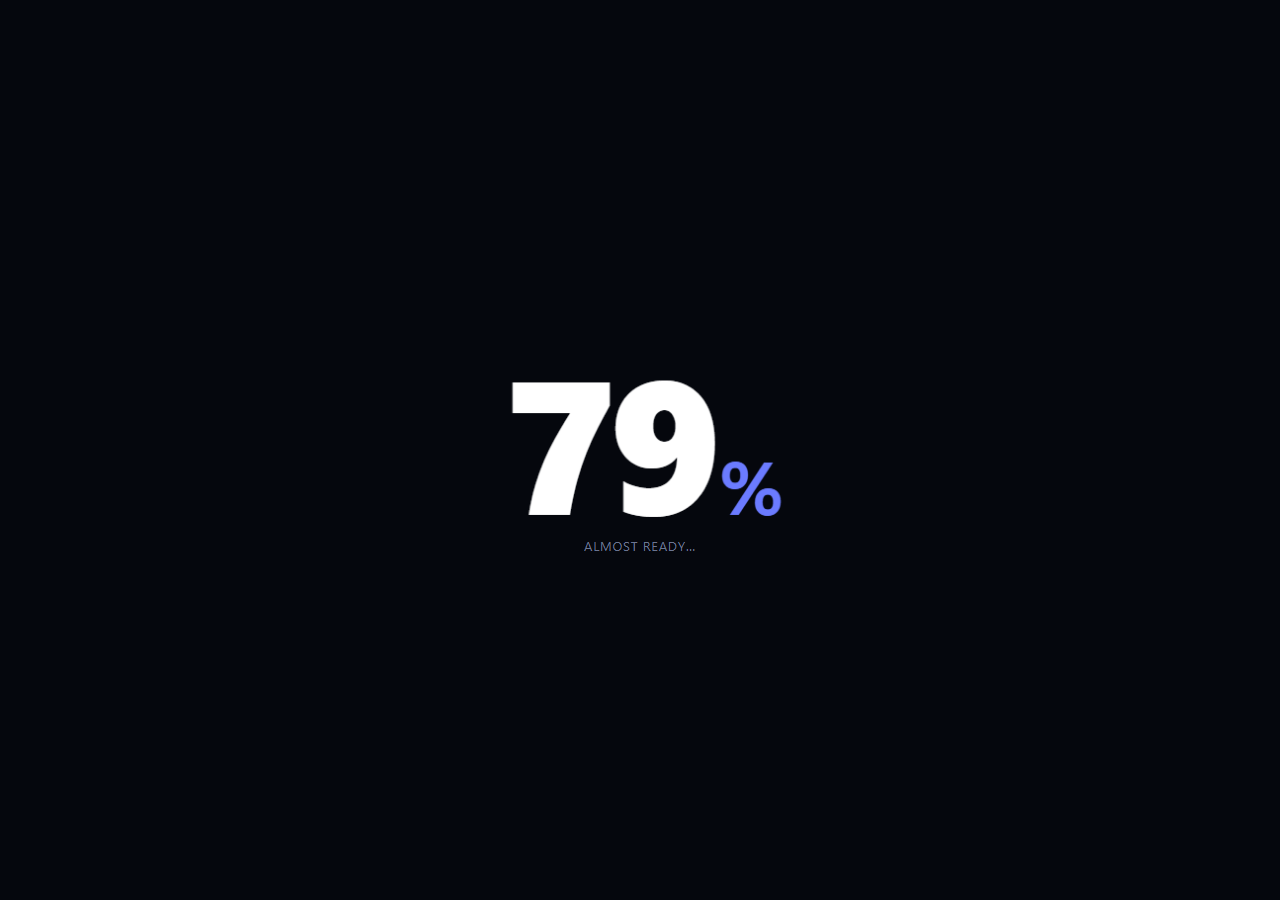
A handful of premium sites — portfolios, product launches, agency homepages — greet visitors with a full-screen percentage counting up before the real page fades in. Done badly it's a linear digit-flip that feels mechanical; done well the count decelerates like it's genuinely arriving somewhere, and each digit change has a tiny physical pulse. This snippet builds the effect properly: a requestAnimationFrame loop driven by a real cubic ease-out, a scale pulse on every number change, staged status text, and a fade-out that reveals the underlying page — all in plain HTML, CSS, and vanilla JavaScript.
Why requestAnimationFrame with real easing, not setInterval
The counter is driven entirely by runCounter()'s frame() function inside a requestAnimationFrame loop, not a setInterval incrementing by one. Each frame computes elapsed time as a fraction of a fixed 2.6s duration, runs it through easeOutCubic(t) = 1 - (1 - t)³, and multiplies by 100 to get the displayed percentage. Because the easing curve's derivative is steep near t = 0 and flattens toward t = 1, the count visibly races through the early numbers and decelerates into a gentle settle at 100 — the same "arriving, not ticking" feel a countdown clock lacks. A linear count (no easing function at all) would tick at a constant rate and read as mechanical rather than deliberate.
A pulse tied to actual digit changes, not a fixed timer
Every time the displayed integer percentage changes — checked with pct !== lastShown so a frame that rounds to the same number never re-triggers anything — the number element's pm-pulse class is removed, the layout is force-reflowed with void numEl.offsetWidth, and the class is re-added, restarting a quick scale(1.06) CSS transition. This ties the visual "beat" of the animation to genuine data changes rather than a separate decorative timer running alongside the count, so the pulse and the number are always perfectly synchronized, even though the frame rate driving them isn't fixed.
Staged status text underneath the number
A small LABELS lookup swaps a status line ("Loading experience…", "Fetching assets…", "Almost ready…", "Ready") at percentage thresholds, computed by labelFor() from the same eased percentage driving the digits — so the label text and the number are always in lockstep, derived from one shared value rather than a second independent timer that could drift out of sync.
Full-viewport takeover and reveal
The counter sits in a position: fixed; inset: 0 overlay above the real page content, which renders normally underneath. Once the animation reaches t = 1, a short pause holds the finished "100% / Ready" state, then pm-hide fades the whole overlay's opacity to 0 with pointer-events: none, revealing the page beneath — the counter itself never has to know what page it's covering.
Tuning and reuse
Change duration for a snappier or slower count, swap easeOutCubic for a different easing function (a bounce or an elastic ease reads very differently), or drive the percentage from real asset-loading progress (a window.onload, a resource count, or a preloader library's callback) instead of a fixed-duration animation — the eased-display and pulse logic works identically either way. Pair it with a loading overlay for shorter in-page waits or a top loading bar for route transitions.
Build with AI
Build, Understand, Optimize, and Extend It With AI
Paste this snippet's HTML, CSS, and JS into an AI coding assistant like Claude and ask it to walk through exactly how easeOutCubic reshapes a linear 0-to-1 time fraction into a percentage that races early and decelerates into 100, and why gating the pulse animation on pct !== lastShown (rather than firing it every animation frame) is what keeps the pulse tied to real digit changes instead of the raw frame rate. It's worth a robustness check too: ask what happens to the animation's timing if the browser tab is backgrounded and requestAnimationFrame pauses, and whether the current code handles resuming correctly. For extending it, ask for a version driven by real asset-loading progress (counting actual fetched resources) instead of a fixed 2.6 second duration, a different easing curve like an elastic overshoot for a bouncier finish, or a way to keep the overlay in the DOM but visually hidden so a slow connection can re-trigger it without a full page reload. Treat the code less like a finished artifact and more like a starting point for a conversation.
Prompt to recreate it
Copy this into your AI assistant of choice to build the effect from scratch, or as a jumping-off point for your own variant:
Build a full-viewport "percentage counter" loading takeover in plain HTML, CSS, and JavaScript — a single huge number counting from 0 to 100 with real easing, not a linear tick.

Requirements:
- A fixed-position overlay covering the entire viewport with a very large percentage number as its focal point, sitting above normal page content that continues to exist underneath it in the DOM.
- Drive the count using requestAnimationFrame (not setInterval), computing elapsed time as a fraction of a fixed total duration each frame, and pass that fraction through a real cubic ease-out easing function (not a linear multiply) before converting it to a displayed 0-100 integer percentage, so the count visibly races through early numbers and decelerates into 100.
- Only update the DOM and trigger any visual effect when the displayed integer percentage actually changes between frames, not on every single animation frame, to avoid redundant updates while requestAnimationFrame runs at a much higher rate than the number visibly changes.
- Every time the displayed number changes, apply a brief CSS scale-based pulse to the number element, restarting the transition each time via a forced reflow technique (such as reading offsetWidth) so the pulse reliably replays on every single change rather than only the first.
- Beneath the number, show a status label that updates through at least three different text values at different percentage thresholds (e.g. an early-stage message, a mid-stage message, and a completion message), derived from the same percentage value driving the digits so the label and number can never fall out of sync.
- Once the count reaches 100, hold briefly on a completed state, then fade the entire overlay's opacity to 0 and disable its pointer events, revealing the real page content beneath without unmounting or reloading it.
Want to tighten it up first? Run this prompt through the AI Prompt Studio to score it across 8 quality dimensions, catch anti-patterns, and tune the wording for Claude, ChatGPT, or Gemini before you paste it in.
Step by step
How to Use
- 1Paste HTML, CSS, and JSA full-screen dark overlay appears with a huge "0%" and begins counting immediately.
- 2Watch it accelerate then settleThe count races through the early numbers and eases into 100% rather than ticking at a constant rate.
- 3Notice the pulseEvery digit change gives the number a quick scale pulse, tied to the actual value changing.
- 4Watch the status textThe label beneath the number advances through stages as the percentage crosses thresholds.
- 5See it fade and revealAt 100%, it holds briefly on "Ready" then fades out to reveal the real page.
- 6Replay itClick "Replay loader" to re-run the entire counting sequence from zero.
Real-world uses
Common Use Cases
Got questions?
Frequently Asked Questions
requestAnimationFrame runs in sync with the browser's paint cycle, giving smooth, frame-accurate timing, and it naturally supports computing progress as elapsed-time-over-duration each frame — which is what makes real easing possible. A setInterval incrementing by a fixed step every tick can only count linearly and drifts from real elapsed time if the tab is throttled.
easeOutCubic(t) = 1 - (1 - t)³ takes a linear progress fraction from 0 to 1 and reshapes it so the output changes quickly near t = 0 and slows sharply near t = 1. Multiplying that eased value by 100 produces a percentage that visibly races through the early numbers and settles gently into 100 — a real mathematical curve, not a scripted slowdown.
The pulse is gated on pct !== lastShown, so it only fires when the displayed integer percentage genuinely changes — since requestAnimationFrame can run many times between one integer and the next, most frames update nothing visually. This keeps the pulse tied to real data changes rather than firing dozens of times a second regardless of whether the number moved.
Replace the elapsed-time calculation in frame() with your actual progress source — for example a running count of resources loaded divided by total resources, or values from a preloading library's progress callback — and skip the eased time-based ramp entirely, applying easeOutCubic (or no easing) directly to that real fraction instead. The pulse, label, and fade-out logic all stay identical.
Hold the displayed percentage in state and run the same requestAnimationFrame loop inside a mount effect, updating state only when the rounded integer changes so re-renders match the pulse-trigger condition exactly. Clean up by cancelling the animation frame on unmount. The CSS transitions and full-viewport overlay markup port unchanged.