You Might Also Like
Learn Coding Visually
Learn to code with interactive, live-preview playgrounds — HTML, CSS, JavaScript, React & more.
 HTML Playground42 lessons · Click-based · Live preview
 CSS PlaygroundLearn CSS with a live editor
 JavaScript Playground60 lessons · DOM · Async · Canvas
 React PlaygroundLearn React with a live code editor
 GSAP PlaygroundLearn GSAP animation interactively
 SVG Playground44 lessons · shapes · paths · animation
 SCSS Playground45 lessons · Sass modules · tokens
 Tailwind PlaygroundLearn Tailwind CSS with a live editor
 Bootstrap 5 Playground50 lessons · live preview
GSAP Scroll Number Counter — Free Once-Only Stat Count-Up Snippet
GSAP Scroll Number Counter · Scroll · Plain HTML, CSS & JS · Live preview
What's included
Features
About this UI Snippet
GSAP Scroll Number Counter — Staggered, Scroll-Gated Stat Count-Ups
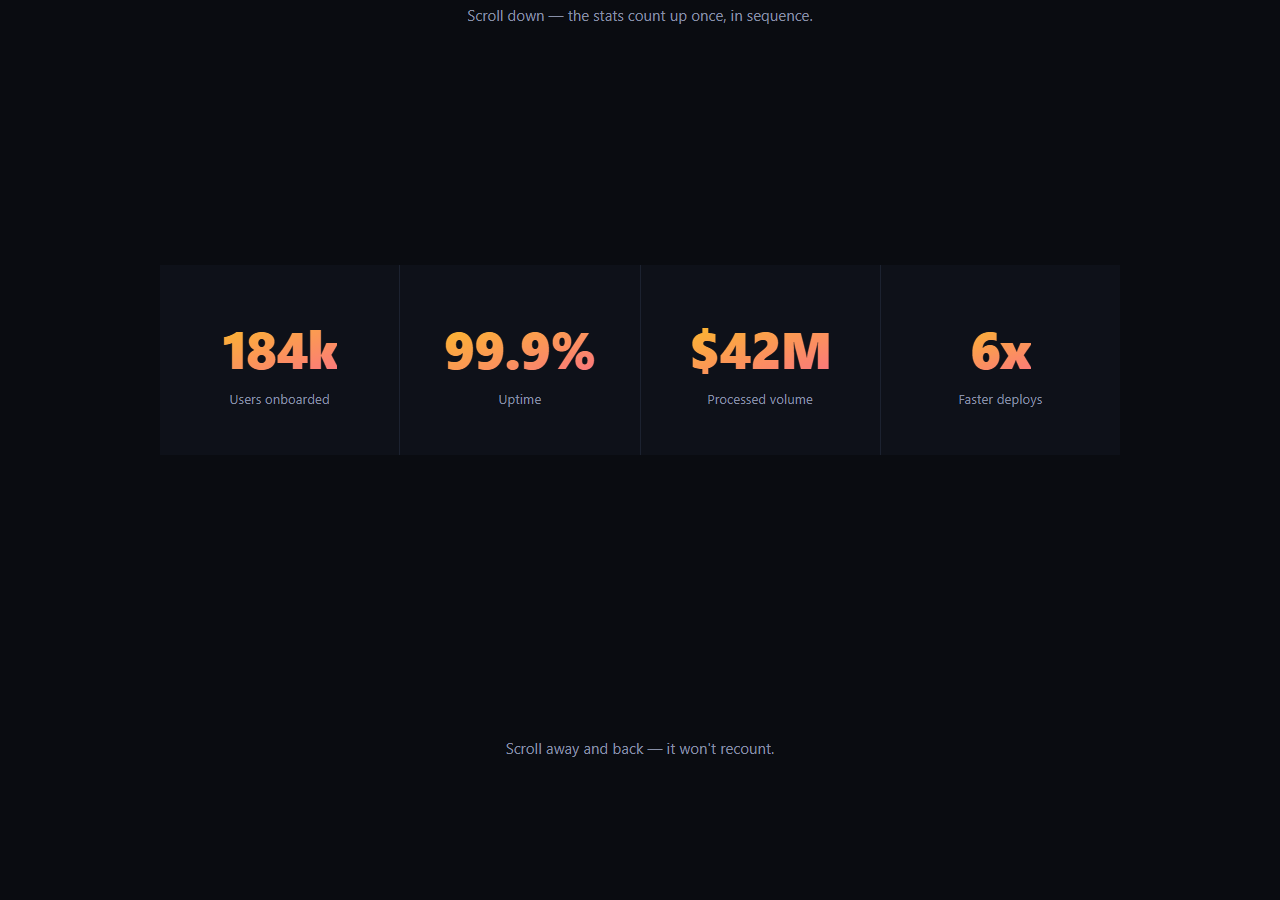
The scroll number counter snippet is a row of statistics that count from zero up to their real value, one after another, the moment the row scrolls into view — and only ever once, so scrolling past and back doesn't replay a slot-machine effect on numbers that are supposed to feel authoritative. It's built with GSAP's proxy-tween technique and a single ScrollTrigger.create gate, both from a CDN.
Numbers aren't tweenable directly, so a proxy stands in
You can't animate textContent with GSAP directly, so each stat gets a tiny plain object, { val: 0 }, that GSAP *can* tween as a number. gsap.to(proxy, { val: target, onUpdate: () => { el.textContent = ... } }) moves proxy.val smoothly from 0 to the target, and every tick the onUpdate callback formats that number back into the element's text — with whatever prefix, suffix, and decimal precision that stat needs.
Data attributes make it generic
Each .sc-num element declares its own data-target, and optionally data-decimals, data-prefix, and data-suffix — so the same loop handles a plain integer like 184k, a decimal percentage like 99.9%, and a currency figure like $42M without any per-stat custom code. Add another stat to the row and it counts up automatically.
Staggered by delay, not a stagger option
Because each stat is its own independent gsap.to call (not one tween across an array), the stagger is expressed as delay: i * 0.15 — each subsequent stat starts a beat after the previous one, so the row counts up left to right in a wave rather than every number ticking simultaneously, which reads as more deliberate and easier to follow.
Play-once, not toggleActions
Unlike a reveal you'd want to replay, a counter looks broken if it resets and recounts every time you scroll past it. Instead of toggleActions, this uses ScrollTrigger.create({ once: true, onEnter: ... }) — a one-shot trigger that fires exactly once and then does nothing on subsequent enters, guaranteeing the count-up happens a single time no matter how the section is scrolled.
Customizing it
Add more stats by copying the markup pattern, adjust the stagger delay or per-stat duration, or swap power2.out for a snappier or bouncier ease. Pair it with count up or number ticker for hover- or load-triggered variants, or scroll reveal grid for a matching card entrance nearby.
Build with AI
Build, Understand, Optimize, and Extend It With AI
Paste this snippet's HTML, CSS, and JS into an AI coding assistant like Claude and ask it to explain why a tweened proxy object is necessary to animate a number GSAP can't reach directly in the DOM, and why once: true is the correct ScrollTrigger choice for a counter versus the reversible toggleActions pattern used for reveal animations. It's also useful for extending the snippet — ask for support for negative numbers, a version that formats large numbers with comma separators instead of k/M suffixes, or a variant that re-triggers per stat individually as each one enters the viewport rather than gating the whole row on the first stat. Use it to build real understanding of the proxy-tween technique so you can reuse it for other non-numeric-DOM animations.
Prompt to recreate it
Copy this into your AI assistant of choice to build the effect from scratch, or as a jumping-off point for your own variant:
Build a "scroll-gated number counter" stat row in plain HTML, CSS, and JavaScript using GSAP with its ScrollTrigger plugin (load both from a CDN).

Requirements:
- A row of multiple stat elements, each with a number that starts at 0 and a text label underneath. Each number element carries a data-target attribute for its final value, and optional data-decimals, data-prefix, and data-suffix attributes to control formatting (e.g. one stat should render as "184k", another as "99.9%", another as "$42M").
- Do not attempt to tween the DOM text or a number attribute directly — animate a plain JavaScript object's numeric property with GSAP, and use that tween's onUpdate callback to format the current value (applying decimals, prefix, and suffix from the data attributes) into the element's textContent on every frame.
- Use a single ScrollTrigger gate (ScrollTrigger.create with once: true, or equivalent one-shot logic) on the stat row so the entire count-up sequence begins exactly once when the row scrolls to roughly 80% down the viewport, and does not restart if the user scrolls away and back.
- Stagger the stats so they don't all animate simultaneously — each subsequent stat (by DOM order) should begin counting slightly after the previous one, producing a left-to-right counting wave rather than a synchronized jump.
- Use a decelerating easing curve (e.g. power2 out) for each count-up so it settles into its final value smoothly rather than stopping abruptly or linearly.
Want to tighten it up first? Run this prompt through the AI Prompt Studio to score it across 8 quality dimensions, catch anti-patterns, and tune the wording for Claude, ChatGPT, or Gemini before you paste it in.
Step by step
How to Use
- 1Add the GSAP CDNsInclude gsap and ScrollTrigger from the CDN panel.
- 2Paste HTML, CSS, and JSAn intro, a stat row, and an outro section render.
- 3Scroll to the statsEach number counts up from 0, staggered left to right.
- 4Scroll away and backIt does not recount — the trigger only fires once.
- 5Edit data-targetChange any stat's target value, prefix, suffix, or decimals.
- 6Add more statsCopy the .sc-stat markup; the loop picks it up automatically.
Real-world uses
Common Use Cases
Got questions?
Frequently Asked Questions
GSAP tweens numeric properties, and textContent is a string, so there's nothing for GSAP to interpolate directly on the element. The proxy object's val property is a real number GSAP can animate smoothly frame by frame, and the onUpdate callback is responsible for converting that current value into formatted text on the element.
toggleActions is built for animations you want to replay on re-entry, like a reveal. A stat counter that recounts from zero every time you scroll past it looks broken rather than polished. once: true creates a trigger that fires its onEnter callback a single time and is then done, guaranteeing the count-up happens exactly once regardless of how the user scrolls afterward.
Because each stat is animated by its own separate gsap.to call inside a forEach loop rather than one tween targeting an array, the built-in stagger option (which staggers multiple targets within a single tween) doesn't apply. Instead, each call gets delay: i * 0.15, manually offsetting when each stat's tween begins based on its index.
Each stat element carries its own data-target, plus optional data-decimals, data-prefix, and data-suffix attributes. The onUpdate callback reads those per element and calls proxy.val.toFixed(decimals) wrapped in the prefix and suffix strings, so one shared loop can format 184k, 99.9%, and $42M correctly without per-stat custom code.
Register ScrollTrigger and create the ScrollTrigger.create gate inside a mount effect once the stat elements exist, reading their data attributes the same way. Because it's a once: true trigger tied to specific DOM nodes, make sure it's created after the elements render, and kill it in the cleanup function to avoid a duplicate trigger on remount.