You Might Also Like
Learn Coding Visually
Learn to code with interactive, live-preview playgrounds — HTML, CSS, JavaScript, React & more.
 HTML Playground42 lessons · Click-based · Live preview
 CSS PlaygroundLearn CSS with a live editor
 JavaScript Playground60 lessons · DOM · Async · Canvas
 React PlaygroundLearn React with a live code editor
 GSAP PlaygroundLearn GSAP animation interactively
 SVG Playground44 lessons · shapes · paths · animation
 SCSS Playground45 lessons · Sass modules · tokens
 Tailwind PlaygroundLearn Tailwind CSS with a live editor
 Bootstrap 5 Playground50 lessons · live preview
Ripple Background — Free HTML CSS JS Radar Pulse Snippet
Ripple Background · Animations · Plain HTML, CSS & JS · Live preview
What's included
Features
About this UI Snippet
Ripple Background — Concentric Radar Rings That Pulse Outward
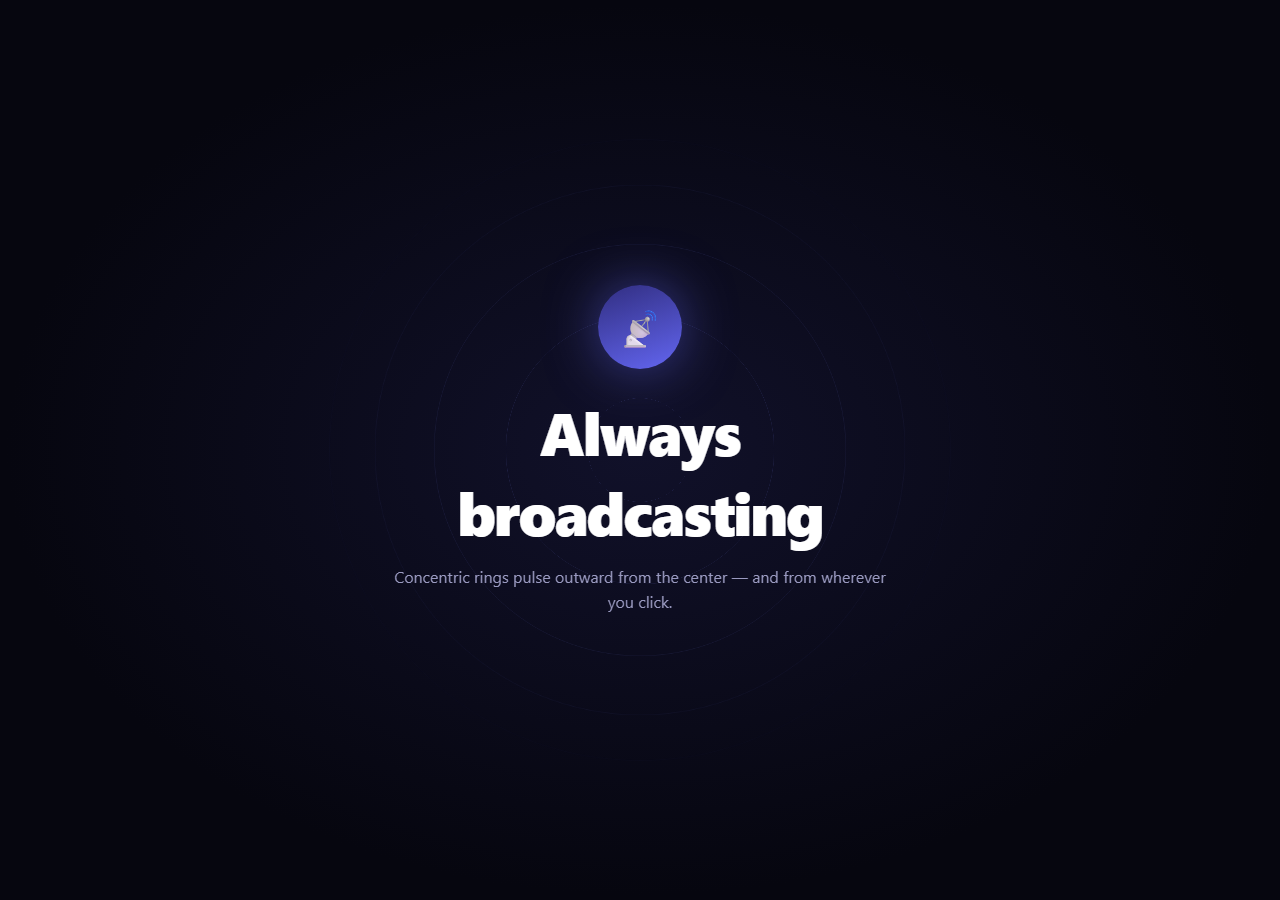
The ripple background is the radar-like hero where concentric rings continuously expand from a central point and fade as they grow — evoking a signal broadcasting outward. This snippet builds it with plain HTML, CSS, and a little vanilla JavaScript, and adds a satisfying click-to-ripple burst from wherever you tap.
The continuous center pulse
The steady radar effect comes from several rings sharing one expand-and-fade animation but starting at different times. JavaScript creates six .rp-circle rings, all the same maximum size, and gives each a negative animation-delay spaced evenly across the loop (-i * (loop / count)). The negative delay means each ring starts already partway through its animation, so at any moment the rings are at six different sizes — one just emerging at the center while another fades at the edge. The result is a smooth, never-gapping pulse rather than all rings firing together. The rpPulse keyframe scales each ring from 0 to 1 while fading opacity from .7 to 0.
Why negative delays instead of positive
Using negative animation-delay is the trick that makes the loop look established from the very first frame. A positive delay would mean the rings stagger in over the first few seconds, leaving the hero empty at load; a negative delay starts each ring as if the animation had been running forever, so the full radar is present immediately. This is the standard technique for seamless, pre-warmed looping emitters.
Click-to-ripple bursts
Beyond the ambient pulse, a pointerdown anywhere on the hero spawns a one-shot .rp-burst ring at the exact click point. It grows from zero to 340px and fades over 0.9s, then removes itself on animationend so bursts never accumulate. Centering it with translate(-50%, -50%) at the click coordinates makes the ripple emanate from your finger, like dropping a stone in water. This interactive layer makes the otherwise passive backdrop respond to the user.
A glowing core
At the center sits a glowing emblem (here a broadcast icon) with a soft box-shadow, anchoring the rings as the source of the signal. The content sits above the ripple layer with pointer-events: none (so clicks still reach the hero to spawn bursts), and a radial background gradient darkens toward the edges to frame the pulse.
All CSS animation
Both the ambient rings and the click bursts are pure CSS keyframes; JavaScript only creates elements and wires the click. So the per-frame work is on the compositor, and the effect stays smooth even with several rings animating at once.
Customizing it
Change RINGS and MAX for more or larger rings, retime the loop, recolor the ring borders, or adjust the burst size and speed. Make the rings filled instead of outlined, or anchor the source off-center. Pair it with a pulse button call to action or an aurora text headline for a signal-themed hero.
Build with AI
Build, Understand, Optimize, and Extend It With AI
You do not have to work out the stagger math by hand. Paste this snippet's HTML, CSS, and JS into an AI coding assistant like Claude and ask it to explain exactly why each ambient ring gets a negative animation-delay computed as index times a fraction of the loop duration, and why a negative delay produces an already-running radar effect on the very first frame instead of a staggered fade-in. The same assistant can help you optimize it — ask whether animating six separate ring elements independently is measurably different in performance from animating one ring with a repeating box-shadow trick, and whether the click-burst elements could leak if animationend never fires (for instance if the tab is backgrounded during the animation). It's also useful for extending the effect: ask it to make the burst ripple ring color vary based on click position, add a subtle sound cue on click, or replace the fixed six rings with a count derived from viewport size for a denser effect on large screens. Treat the code less like a finished artifact and more like a starting point for a conversation.
Prompt to recreate it
Copy this into your AI assistant of choice to build the effect from scratch, or as a jumping-off point for your own variant:
Build an animated "radar pulse" hero background in plain HTML, CSS, and JavaScript — concentric rings continuously expanding from the center, plus a one-shot ripple on click — no canvas, no library.

Requirements:
- Generate a fixed number of ring elements in JavaScript (not hardcoded in HTML), all sharing one CSS keyframe animation that scales a ring from 0 to full size while fading its opacity from a starting value to 0.
- Give each generated ring a negative animation-delay, evenly spaced across the total loop duration divided by the ring count (e.g. ring index times negative loop-duration-over-count), so that at page load the rings already appear mid-cycle at staggered sizes rather than all starting together from zero.
- Add a pointerdown listener on the whole hero section that computes the click coordinates relative to the section's bounding rectangle, creates a new one-shot ring element centered exactly on that point (using a translate transform to center it on its own coordinates), and plays a separate expand-and-fade keyframe animation on it.
- Remove each one-shot click ring from the DOM automatically when its animationend event fires, so rapid repeated clicking never accumulates leftover elements.
- Keep the visible text content non-interactive (pointer-events none) so that clicks on the headline still pass through to the hero section and trigger a ripple, while the ambient background rings layer must also not block clicks.
- Add a glowing circular emblem at the exact center that anchors the rings visually as their source.
Want to tighten it up first? Run this prompt through the AI Prompt Studio to score it across 8 quality dimensions, catch anti-patterns, and tune the wording for Claude, ChatGPT, or Gemini before you paste it in.
Step by step
How to Use
- 1Paste HTML, CSS, and JSConcentric rings pulse outward from a glowing core.
- 2Watch the radarNew rings emerge at the center as outer ones fade.
- 3Click anywhereA ripple burst expands from the click point.
- 4Click repeatedlyEach burst cleans itself up after fading.
- 5Adjust the ringsChange RINGS and MAX for count and size.
- 6Recolor the pulseEdit the ring border colors.
Real-world uses
Common Use Cases
Got questions?
Frequently Asked Questions
Six rings share one expand-and-fade keyframe but each gets a negative animation-delay spaced evenly across the loop. That offsets them so at any moment they sit at six different sizes — one emerging at the center while another fades at the edge — producing a smooth, never-gapping radar pulse instead of all rings firing together.
A negative delay starts each ring as if the animation had already been running, so the full radar is present from the very first frame at load. A positive delay would stagger the rings in over the first seconds, leaving the hero empty initially. Negative delays are the standard way to pre-warm a seamless looping emitter.
A pointerdown anywhere on the hero creates a burst element at the click coordinates, centered with translate(-50%,-50%). It grows from zero to 340px and fades over 0.9 seconds via a CSS keyframe, then removes itself on animationend so bursts never accumulate. The ripple emanates from exactly where you tapped.
Yes. The content layer is set to pointer-events: none, so taps on the headline pass through to the hero and still spawn a ripple burst. The ambient rings layer is also non-interactive, so only the hero receives the pointerdown that creates bursts.
Render the ambient rings from an array with their negative delays, and handle pointerdown to append a burst element via a ref (or render a managed list and prune on animationend). Keep cleanup in mind so bursts are removed. The keyframes are pure CSS. In Tailwind, define the pulse and burst animations in the config and apply staggered delays with arbitrary values.