You Might Also Like
Learn Coding Visually
Learn to code with interactive, live-preview playgrounds — HTML, CSS, JavaScript, React & more.
 HTML Playground42 lessons · Click-based · Live preview
 CSS PlaygroundLearn CSS with a live editor
 JavaScript Playground60 lessons · DOM · Async · Canvas
 React PlaygroundLearn React with a live code editor
 GSAP PlaygroundLearn GSAP animation interactively
 SVG Playground44 lessons · shapes · paths · animation
 SCSS Playground45 lessons · Sass modules · tokens
 Tailwind PlaygroundLearn Tailwind CSS with a live editor
 Bootstrap 5 Playground50 lessons · live preview
Scroll 3D Flip Reveal — Free Scrubbed Two-Sided Card Flip Effect
Scroll 3D Flip Reveal · Scroll · Plain HTML, CSS & JS · Live preview
What's included
Features
About this UI Snippet
Scroll 3D Flip Reveal — A Genuine Two-Sided Flip Driven by Scroll
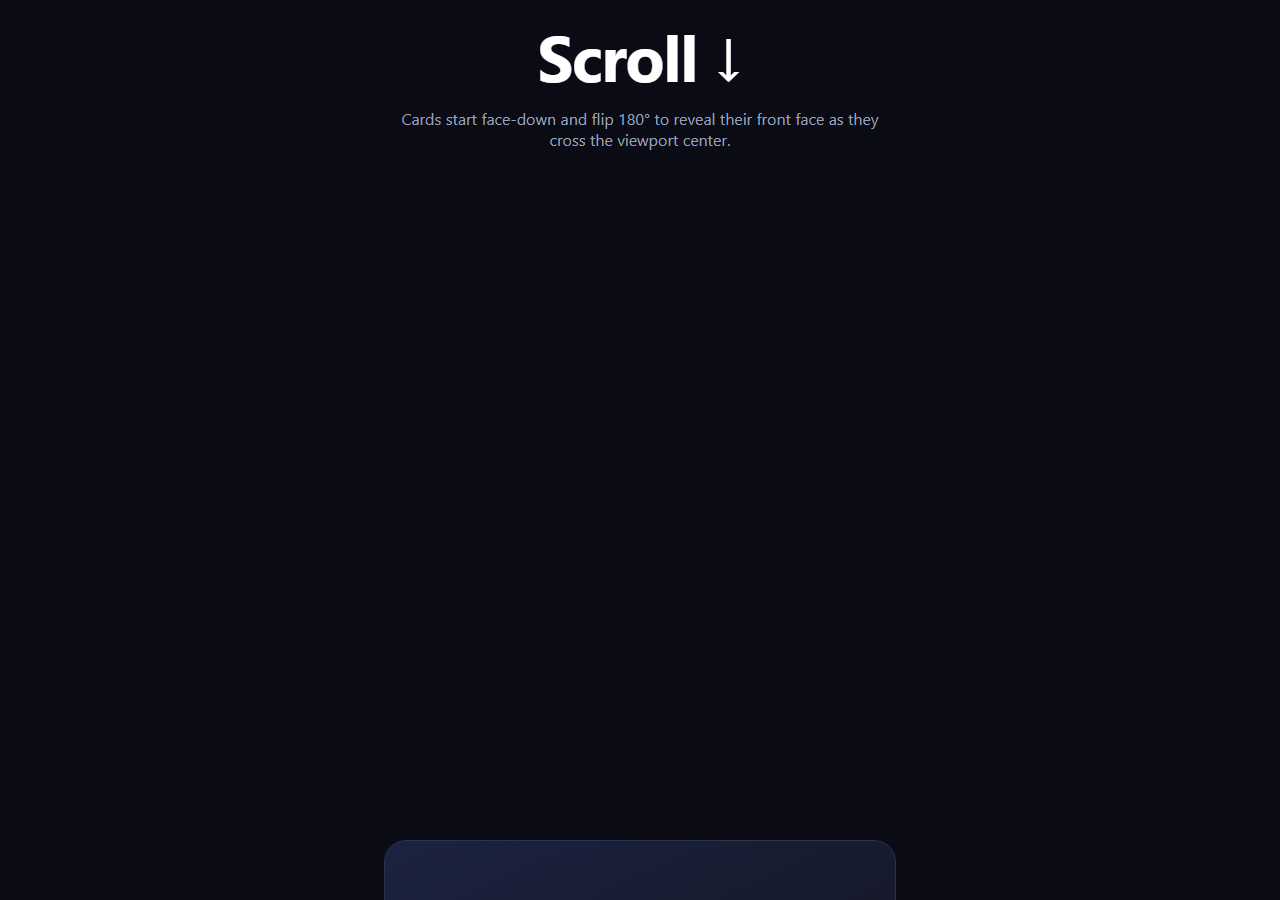
This is a real card flip, not a tilt-and-settle entrance: each card has two distinct faces — a blank "face-down" back and a content-bearing front — joined with backface-visibility: hidden, and the card literally rotates 180° on its Y axis as it scrolls through the viewport's vertical center. The rotation amount is scrubbed directly to scroll position with GSAP and ScrollTrigger, so scrolling partway through a card's trigger range shows the flip partway through, and scrolling back reverses it exactly.
Two real faces, not one that fades
.fr-back and .fr-front are both absolutely positioned inside .fr-inner, each with backface-visibility: hidden, and the back face is pre-rotated rotateY(180deg) in its resting CSS so that when .fr-inner itself is at rotateY(180deg), the back face is the one actually facing the viewer — a genuine two-sided object, the same technique used for flip cards that reveal an answer or a stat. This is different from cards that simply tilt from an angle and settle flat while showing the same single face throughout.
scrub, not toggleActions
Unlike an entrance animation that plays once when triggered, this ScrollTrigger uses scrub: 0.3, binding rotateY directly to the scroll position between start: 'top 85%' and end: 'top 35%' for each card. Scroll a quarter of the way through that range and the card is rotated to roughly 135°; scroll through fully and it lands at 0°, flat and readable. This is a precise, continuously reversible function of scroll position — verifiable by scrubbing slowly and watching the rotation angle track exactly.
Independent per-card triggers
Each .fr-inner gets its own ScrollTrigger scoped to its own trigger: inner, so cards flip independently as they individually cross the center of the viewport rather than all flipping together on one shared trigger — appropriate for a vertical list where cards enter one at a time.
How this differs from a tilt-up entrance
A related effect, scroll 3D cards, tilts a single face from rotateX: -55 up to flat — one face, one axis, an entrance motion. This snippet instead rotates a genuinely two-sided object 180° on the Y axis, hiding one face and revealing a completely different one — the reveal *is* the mechanic, not a byproduct of the tilt settling.
Customizing it
Put a teaser question on the back face and an answer on the front for a quiz format, flip on the X axis instead of Y for a vertical flip, or stagger the start/end range per card for a slower or faster flip feel. Pair it with a scroll reveal grid or scroll SVG path draw for other scroll-driven reveals.
Build with AI
Build, Understand, Optimize, and Extend It With AI
Paste this snippet's HTML, CSS, and JS into an AI coding assistant like Claude and ask it to explain how backface-visibility: hidden combined with the back face's own pre-applied 180° rotation makes a single rotateY animation on the shared wrapper reveal one face and hide the other, rather than showing both stacked on top of each other. It's also worth asking why scrub: 0.3 rather than a played-once tween is what makes the rotation angle a genuine, continuously reversible function of scroll position — useful context before extending the effect. Good follow-ups: ask it to make the flip axis configurable (X for a vertical flip vs Y for horizontal), or to add a subtle box-shadow that intensifies as each card approaches 90° rotation (its most "edge-on" moment) for extra depth.
Prompt to recreate it
Copy this into your AI assistant of choice to build the effect from scratch, or as a jumping-off point for your own variant:
Build a "scroll 3D flip reveal" effect in plain HTML, CSS, and JavaScript using GSAP with its ScrollTrigger plugin (load both from a CDN).

Requirements:
- A vertical list of card elements, each containing a 3D flip structure: an outer card with CSS perspective on its container, an inner wrapper with transform-style: preserve-3d, and two absolutely-positioned face elements inside that wrapper (a "back" face and a "front" face), each with backface-visibility: hidden.
- The back face's own CSS should include a fixed rotateY(180deg) so that when the inner wrapper is rotated to rotateY(180deg), the back face is the one actually shown to the viewer (its own rotation cancels the wrapper's), while the front face is turned away and hidden. At the wrapper's natural rotateY(0deg), the front face should show and the back face should be hidden.
- Each card's back face should show a simple placeholder (e.g. a question mark or blank pattern) and the front face should show real content (an icon, heading, and description) — a genuine reveal from one face to a completely different one, not a single face that merely fades or tilts.
- Animate each card's inner wrapper from rotateY: 180 to rotateY: 0 using a GSAP fromTo tween with a linear ease, attached to its own ScrollTrigger scoped to that specific card (not one shared trigger for all cards) with scrub enabled (a numeric scrub value like 0.3, not scrub: true) so the rotation angle is a continuous, direct function of scroll position through a start/end range roughly spanning when the card enters the lower half of the viewport to when it reaches the upper-middle.
- Confirm the effect is genuinely scroll-position-driven, not a fixed-duration animation merely triggered by scroll: scrubbing slowly up and down should show the rotation angle tracking scroll position precisely and reversibly at any point in the range, including partial rotations mid-flip.
Want to tighten it up first? Run this prompt through the AI Prompt Studio to score it across 8 quality dimensions, catch anti-patterns, and tune the wording for Claude, ChatGPT, or Gemini before you paste it in.
Step by step
How to Use
- 1Add the GSAP CDNsInclude gsap and ScrollTrigger from the CDN panel.
- 2Paste HTML, CSS, and JSAn intro, four face-down cards, and an outro render.
- 3Scroll toward a cardIt rotates from face-down to face-up as it nears center.
- 4Scrub slowlyThe rotation angle tracks scroll position precisely, mid-flip included.
- 5Scroll back upEach card rotates back to face-down in exact reverse.
- 6Edit the facesChange .fr-back and .fr-front content for your own reveal.
Real-world uses
Common Use Cases
Got questions?
Frequently Asked Questions
Scroll 3D Cards tilts a single face from rotateX: -55 up to flat as an entrance motion — one face is visible throughout, and the effect is the settle, not a reveal. This snippet rotates a genuinely two-sided object 180° on the Y axis using backface-visibility: hidden on two separate faces, so a different face is actually shown before and after — the flip itself is the mechanic, and it uses the Y axis rather than X.
It's genuinely tied to scroll position. The ScrollTrigger uses scrub: 0.3 rather than toggleActions, which binds rotateY directly to how far the card's trigger range has been scrolled through. Scrolling a quarter of the way through a card's start-to-end range rotates it about a quarter of the way through its 180° arc — verifiable by scrubbing slowly and watching the angle track scroll position rather than jumping to a finished state.
Both .fr-back and .fr-front have backface-visibility: hidden, and .fr-back is pre-rotated 180° in its own resting CSS. When the shared .fr-inner wrapper rotates to 180°, the back face's own 180° rotation cancels out and it faces the viewer, while the front face (at its natural 0° rotation) is now turned away and hidden. At .fr-inner's 0° rotation, the reverse is true — the front shows and the back is hidden.
Yes. Because rotateY is scrubbed directly from the ScrollTrigger's progress rather than played once as a timed animation, scrolling back up moves the trigger's progress back toward 0 and the rotation follows it precisely in reverse, at any point in the range — there's no separate "reverse" animation to define.
Render each card's two faces with refs, then in a mount effect register ScrollTrigger and create the scrubbed fromTo tween for each card scoped with gsap.context to a container ref, looping over the card refs the way toArray does in the vanilla version. Return a cleanup that reverts the context so the ScrollTrigger instances are removed on unmount.